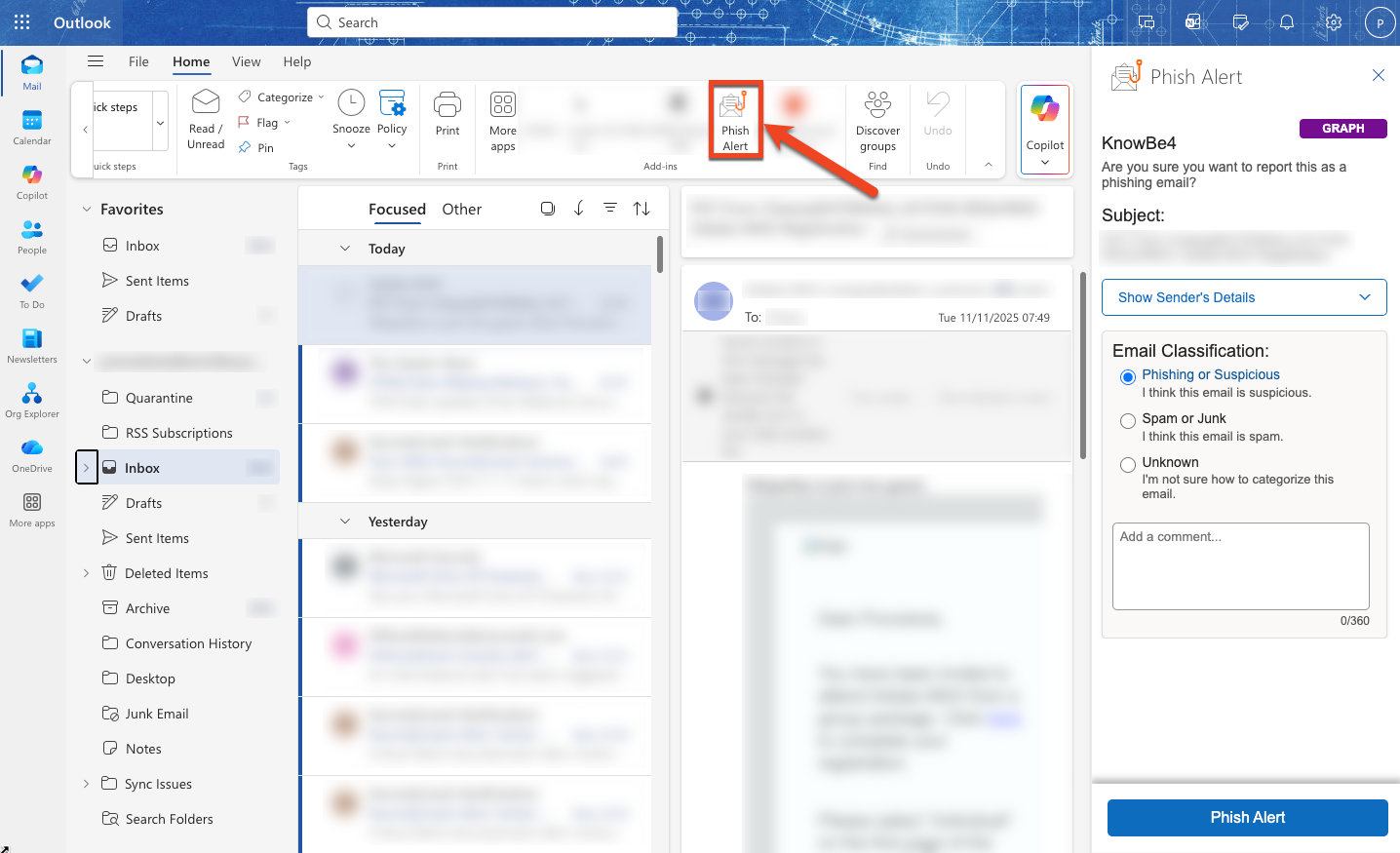
You have the option to install our Hybrid Phish Alert Button (PAB) or Microsoft Ribbon Phish Alert Button (PAB) on a single machine with an Outlook on the Web (OWA) account.
To install the Hybrid PAB or Microsoft Ribbon PAB on a single machine with Outlook, follow the steps below:
- Log in to your OWA account.
- In your browser, navigate to https://aka.ms/olksideload.
-
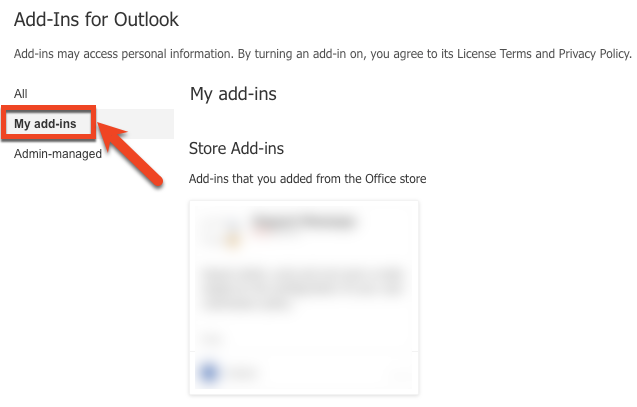
Outlook will open with an Add-Ins for Outlook window. Select My add-ins on the left side of the screen.
- Scroll down to the Custom Addins section.
-
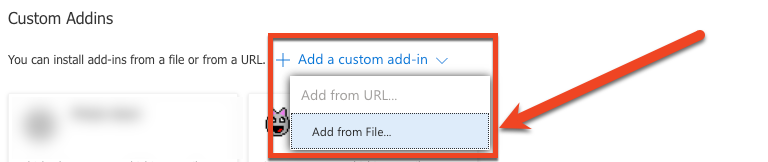
Select the + Add a custom add-in drop-down menu and select the Add from file... option.
- Choose the PhishAlertManifest.xml file for the Hybrid PAB or the PhishAlertManifestMSR.xml file for the Microsoft Ribbon PAB. You can download these files from your KnowBe4 Phishing Account Settings. Then, select the Open button.
-
In the Warning pop-up window that opens, select Install.

-
Once installed, close and reopen Outlook on the Web for the PAB to display in your account.