In the Onboarding Webinars tab of the KnowBe4 Academy, you can view video content about how to navigate and use the KnowBe4 Platform. To view the webinars, follow the steps below:
- Log in to your KnowBe4 console.
-
Click your email address in the top-right corner of the page, then click KnowBe4 Academy.
Note:The KnowBe4 Academy is available to admins and Security Role users. Before accessing the academy for the first time, ensure your first name and last name are entered on the admin Profile page.
-
Click the Onboarding Webinars tab in the navigation bar at the top of the page.

-
Use the drop-down menus to select your preferred product and language.
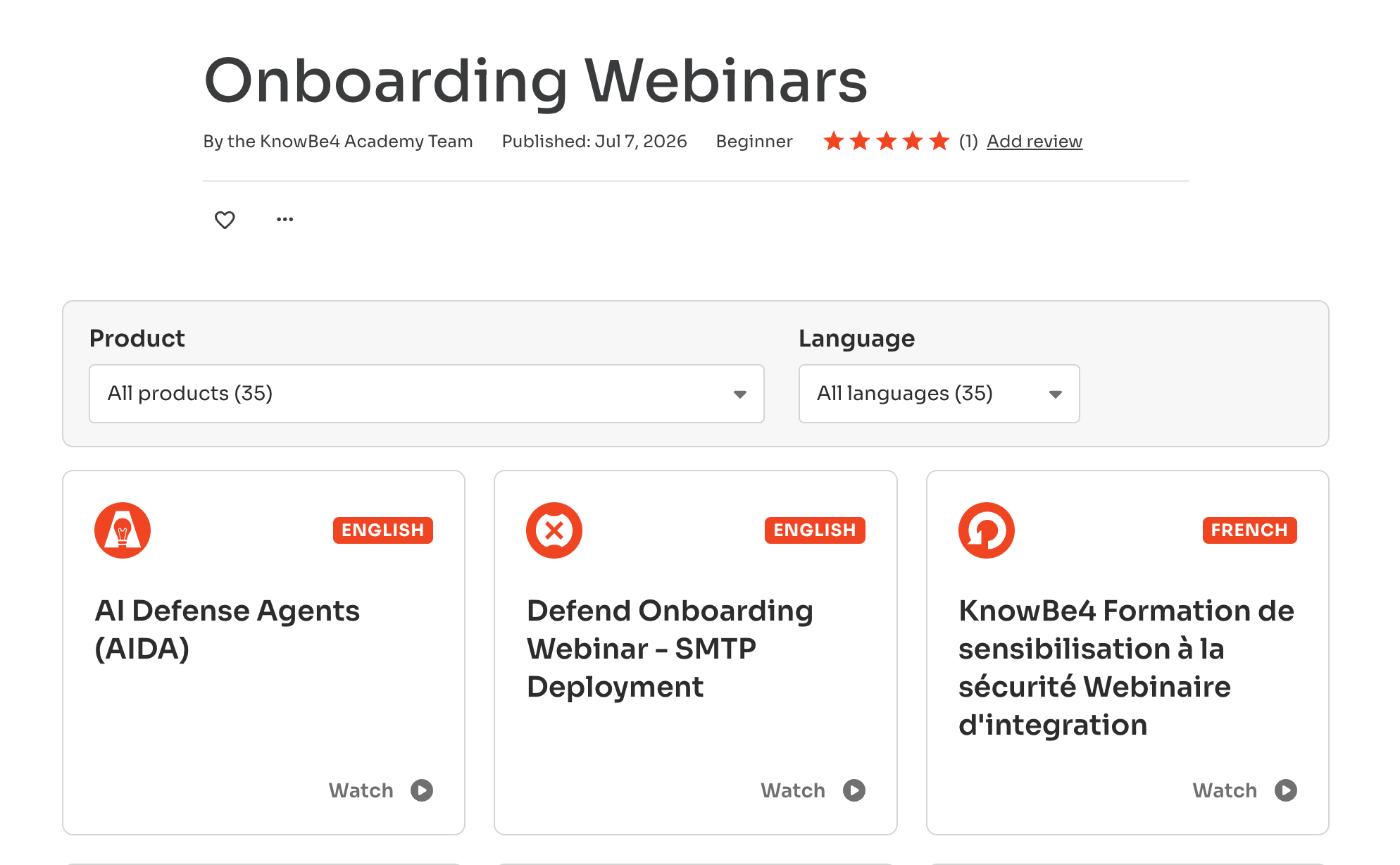 Note:Webinars are available for all products and in multiple languages.
 - Select an option to open the onboarding webinar.
By viewing our product demos, you’ll be better equipped to strengthen your users by enabling your users to make smarter security decisions.
For additional resources, see the list below: