In this article, you'll learn about the Reports section of your KSAT account settings. In the Reports section, you can update settings related to reporting.
Risk Score
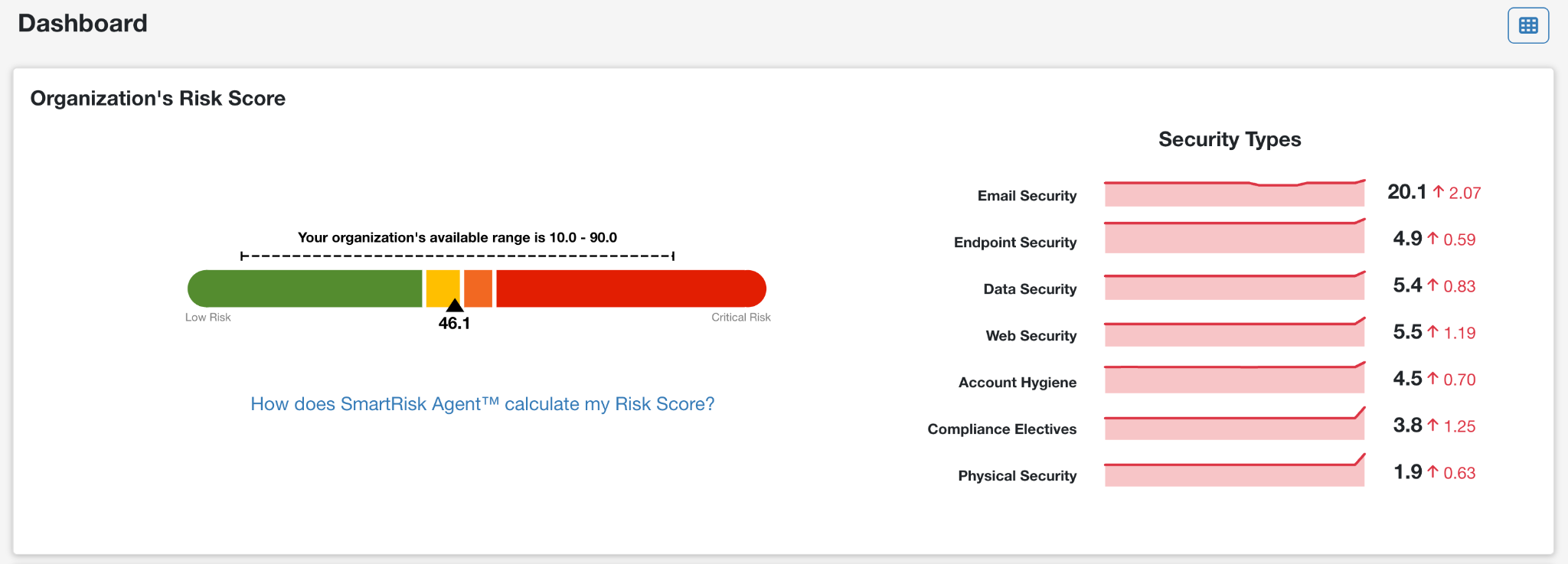
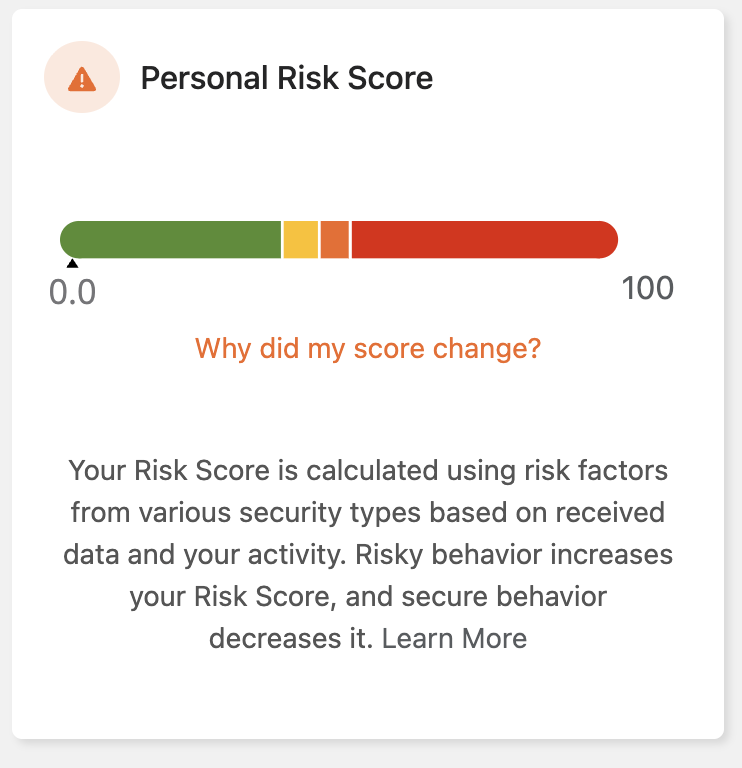
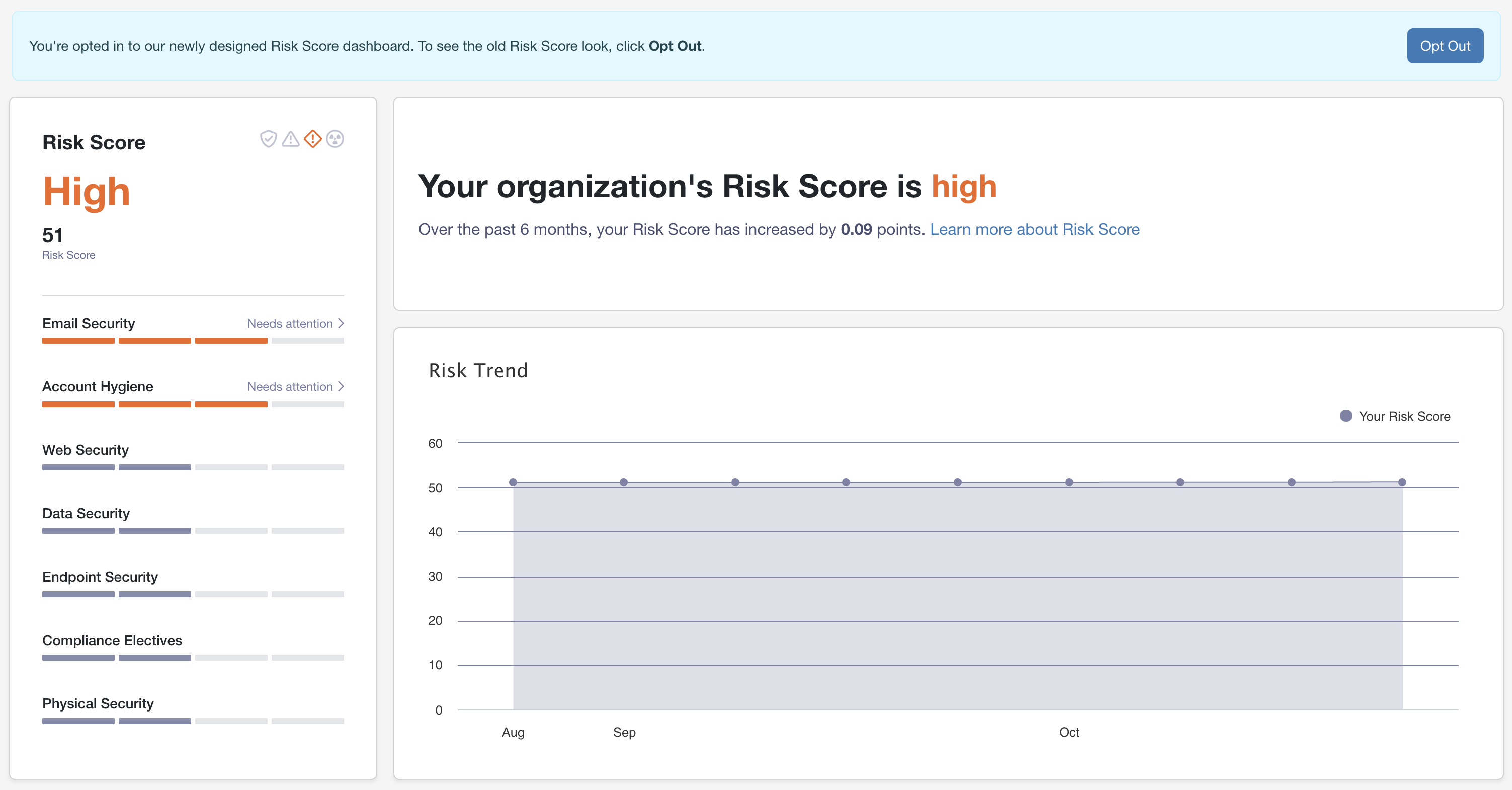
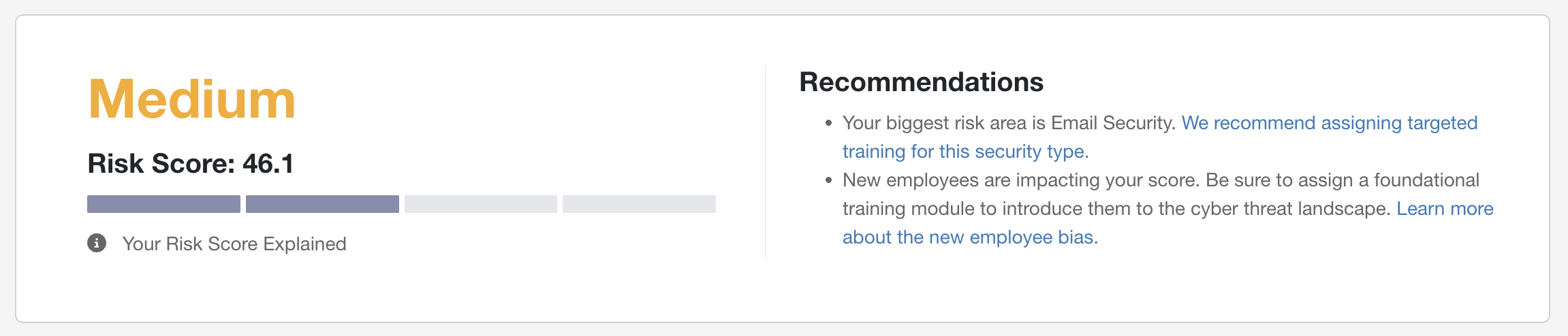
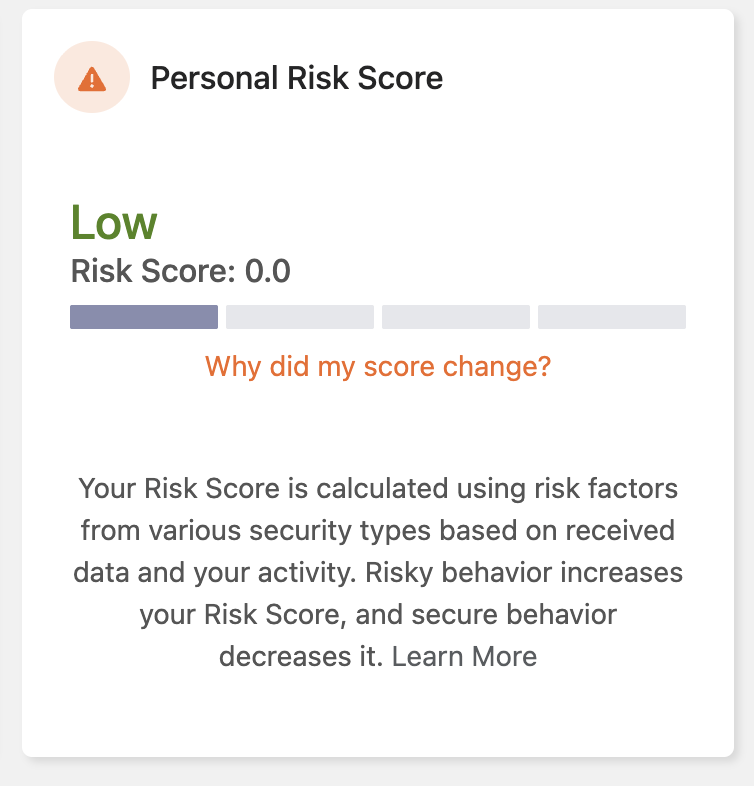
You can enable the New Look for Risk Score toggle to show the new look for Risk Score on your dashboards, Risk Score Reports, and Learner Experience. For more information about the opted in view and the opted out view, see the tables below.
Opted Out View:

Opted In View:
Date Format on CSVs
You can select the Enable UTC Format on CSVs option in the Reports section of our KnowBe4 Account Settings and Partner Account Settings. This setting formats CSV reports to download in Coordinated Universal Time (UTC). It only affects reports that include date range options.
Note:CSV downloads from the Reports tab will always be in UTC.