You can integrate IntelliGRC IntelliGRC (link opens in new window) into your KnowBe4 console. IntelliGRC is a governance, risk, and compliance platform that helps organizations manage their risk posture and compliance requirements. This integration enables you to pull KnowBe4 Security Awareness Training data into IntelliGRC, giving you visibility into training completion, phishing results, and risk metrics alongside your broader compliance data.
Before You Connect IntelliGRC to Your KnowBe4 Console
Before integrating IntelliGRC into your KnowBe4 console, you must find your API address and create an API token. Follow the steps below to do both actions.
-
Your API address depends on where your KnowBe4 account is located. See the table below to find the API address for your region.
Region Base URL US https://us.api.knowbe4.com CA https://ca.api.knowbe4.com EU https://eu.api.knowbe4.com UK https://uk.api.knowbe4.com DE https://de.api.knowbe4.com - Log in to your KnowBe4 console as an admin.
- Navigate to Account Settings in the top-right corner under your account's email address.
- In Account Settings, navigate to Account Integrations.
- On the Reporting API section, select the Reporting API link.
- On the Reporting API page, select the + Create New API Token button to open the Create New API Token screen.
- Enter a name for the token, then select Create Token.
- Save this API token for the steps below.
Connecting IntelliGRC to Your KnowBe4 Console
You can connect your IntelliGRC platform to your KnowBe4 console by following the steps below.
-
Open the IntelliGRC platform and navigate to Integrations.
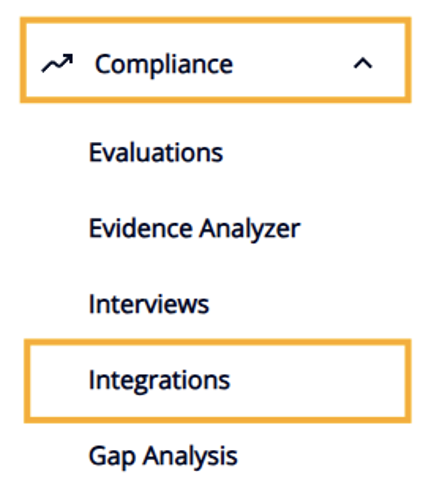
- Select the Data Sources tab.
-
Select the Connect button on the KnowBe4 card.
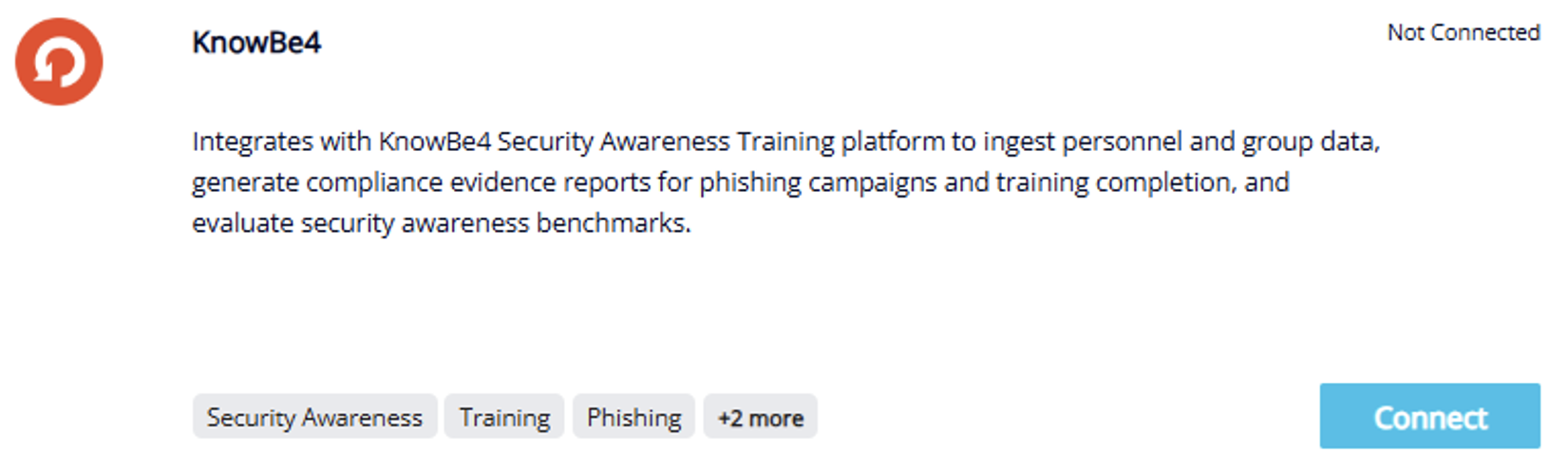
- In the Connection tab of the KnowBe4 Management page, enter a display name for the connection.
- Paste your API token from the previous steps into the API Key field in the Connection section.
-
Select the geographic region that your KnowBe4 account is hosted in from the previous steps.
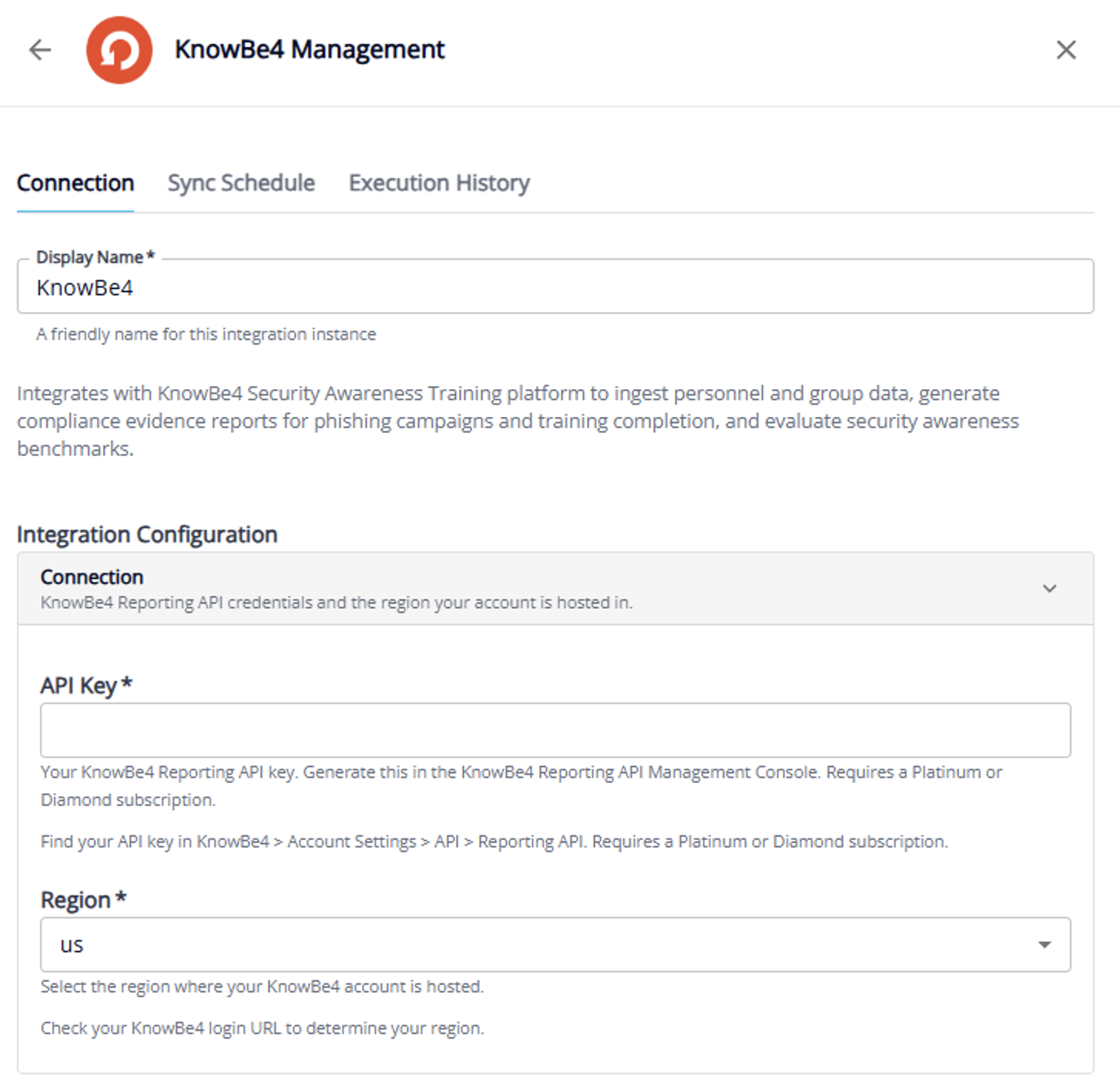
- Configure additional options for your KnowBe4 integration, such as asset ingestion, reporting and benchmarks, and sync frequency.
- You can also turn on the Run sync immediately after connecting toggle. This setting will cause IntelliGRC to perform an initial sync with KnowBe4 after completing the step below.
- Select Connect.