Note: This article has recently been added to our Knowledge Base. Thank you for your patience as we continue to make improvements.
This article provides guidance on managing licensing and user accounts in Workspace.
Calculating Licensing for Workspace
Currently, licensing is calculated based on the following two factors:
- Internally mapped domains: These are the domains that are primarily used within the organization that owns the Workspace.
- Account Status: Only active accounts will consume licenses on Workspace.
The internally mapped domain will be confirmed upon deployment of the Workspace, but this domain can be changed or verified at any time by contacting either your Account Manager or the support team.
Searching for Licensed Users
To search for licensed users in Workspace, follow the steps below:
- Log in to your Workspace as an admin.
- Navigate to Admin Tools > Manage Enrolled User/Group Permissions.
-
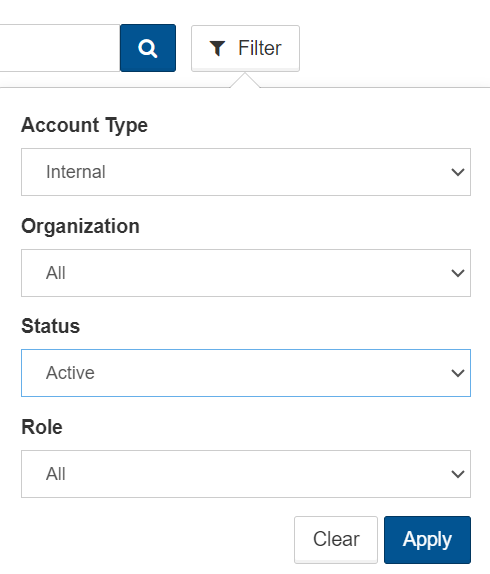
Select the filter and apply the active Account Status and internal Account Type.
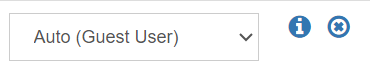
To disable or remove a license, simply disable the user account by selecting the X icon next to the email address in question.
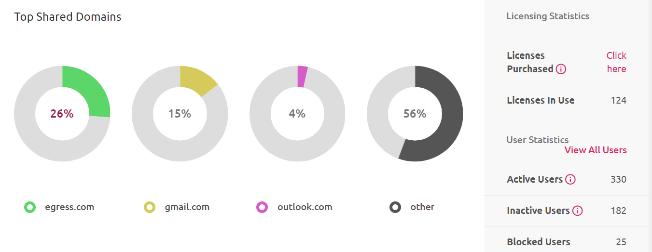
The overall number of licensed users can be found on the Admin Dashboard.