Note: This article has recently been added to our Knowledge Base. Thank you for your patience as we continue to make improvements.
The User Profile page serves as a central hub for admins to manage individual user accounts, monitor activity, and ensure proper access control. This article provides an overview of the key features and functionalities that are available to admins on this page.
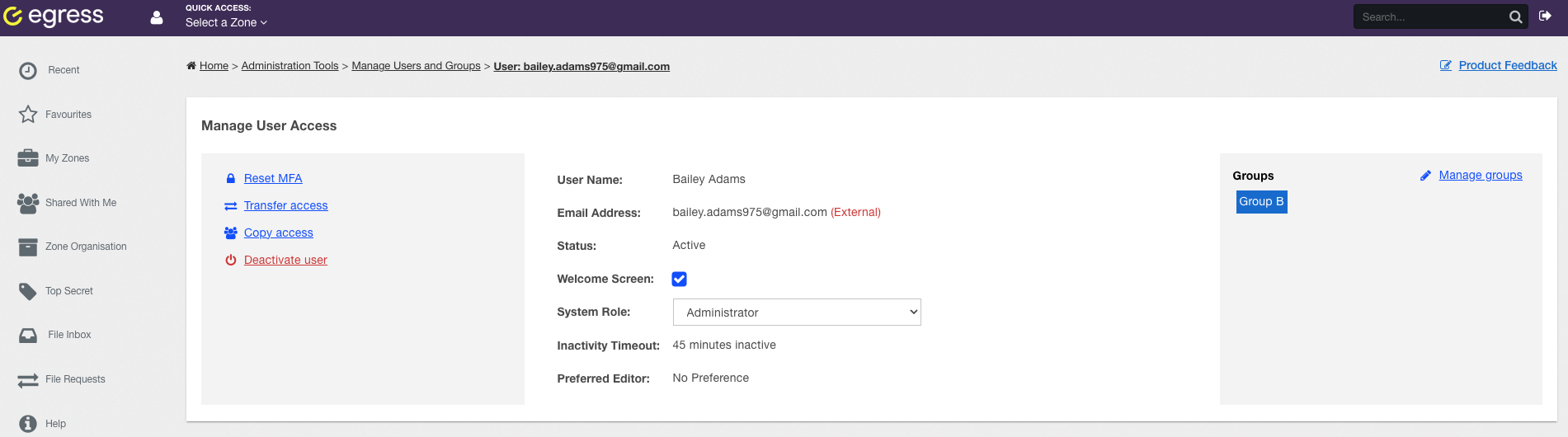
The following information is available on the User Profile page:
- User Information
- View the user's username and email address
- View and edit the user's role
- User Management
- Reset the user's multi-factor authentication (MFA)
- Transfer the user's access to another user
- Copy and assign the access the user has to another user
- Deactivate the user when necessary
- Groups
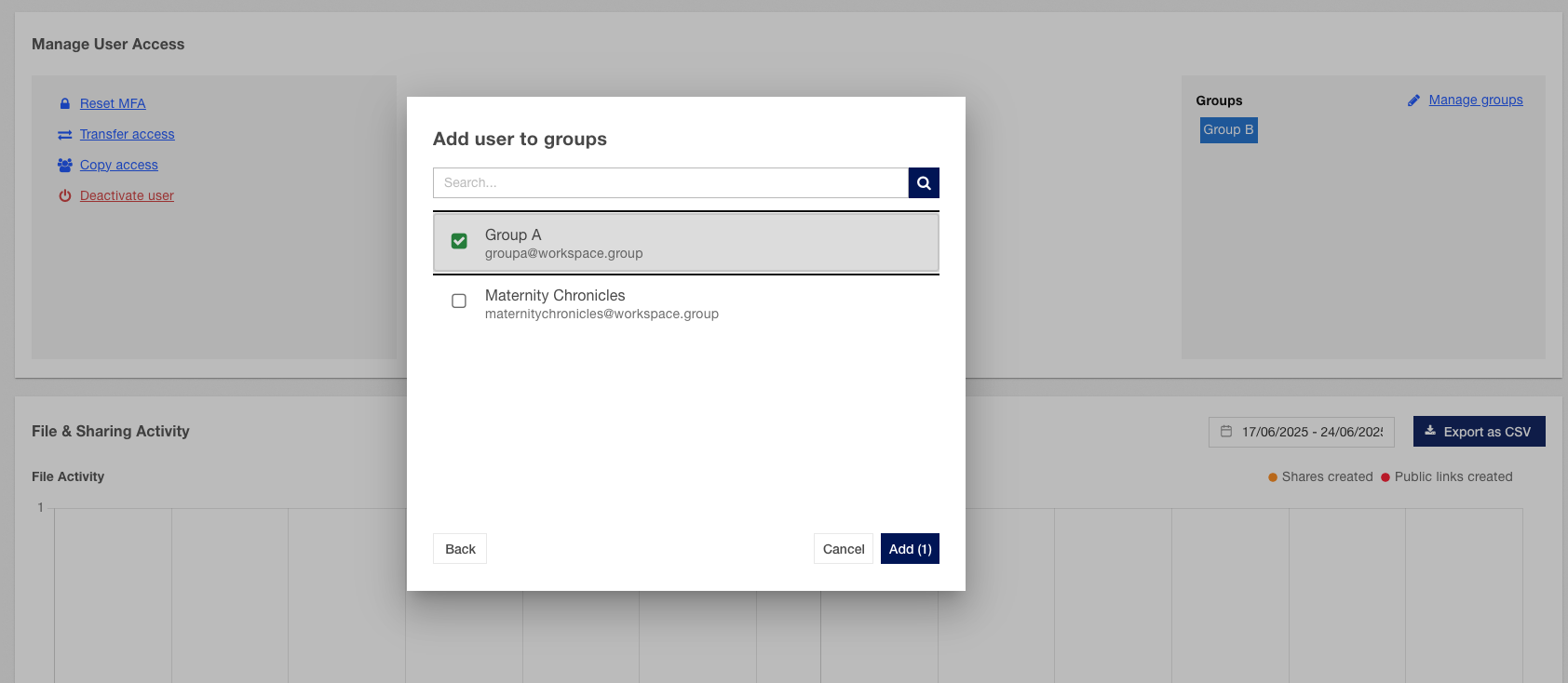
- Manage the user's group activity by adding or removing the user from specific user groups
- Activity
- Review user activity related to file uploads and downloads
- Monitor the sharing activities by the user
- Data Access Overview
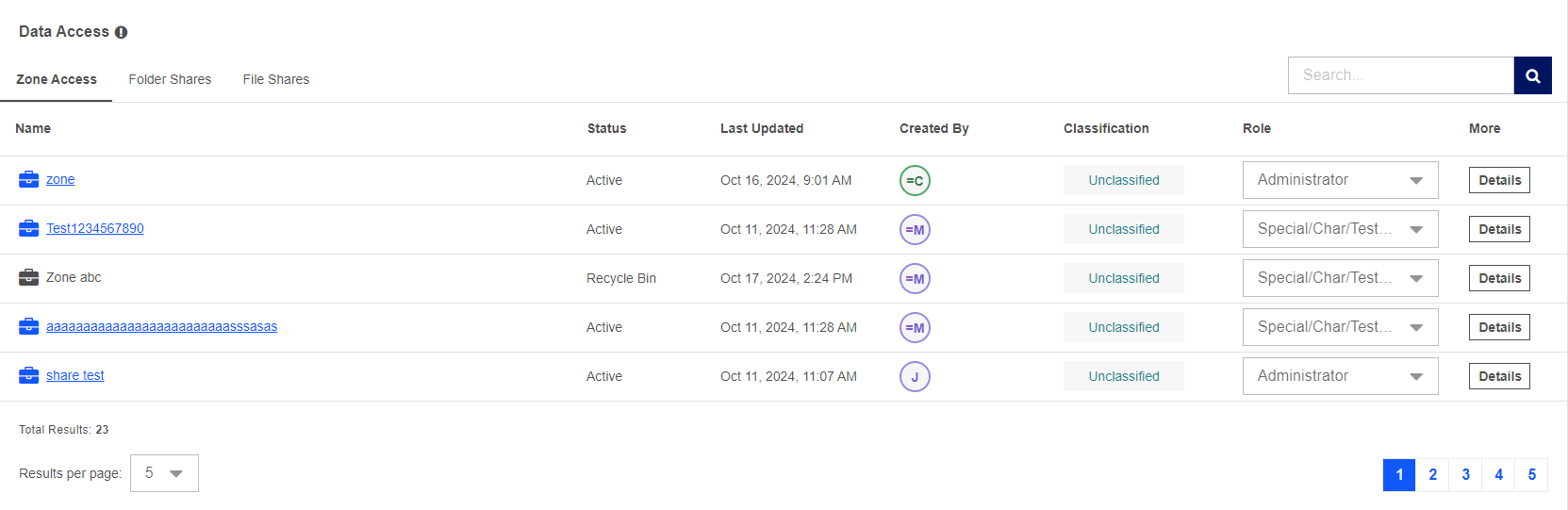
- View user access to zones, folders, and file shares
- For each item, admins can see:
- Status
- When the item was last updated
- Who created the item
- Classification
- The user's role over that item
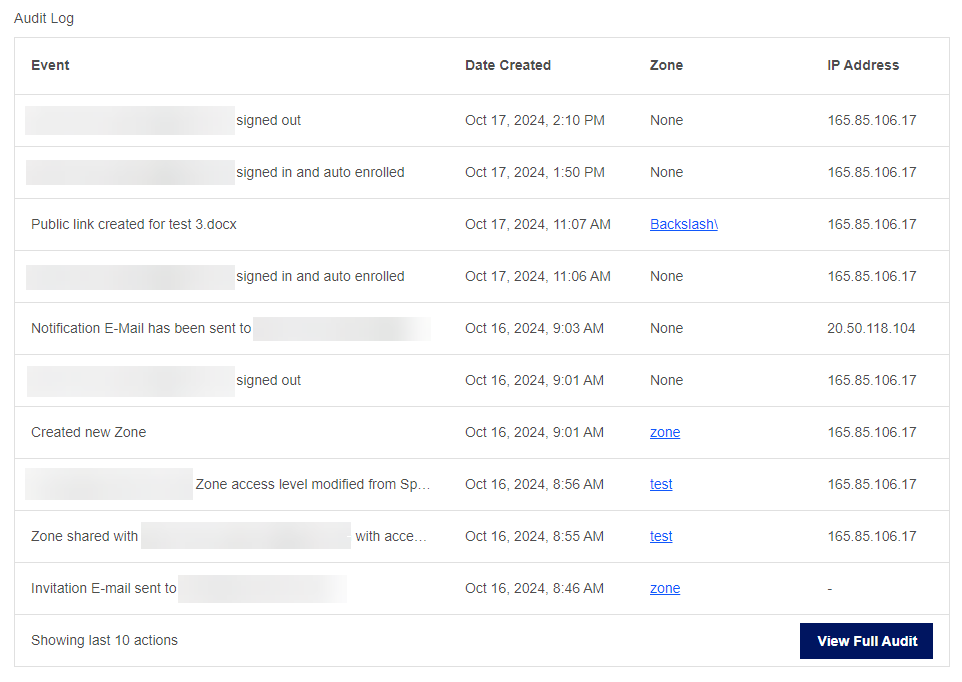
- Audit Logs
- Access and review audit logs specific to the user
- Track user actions and system interactions
- Session Management
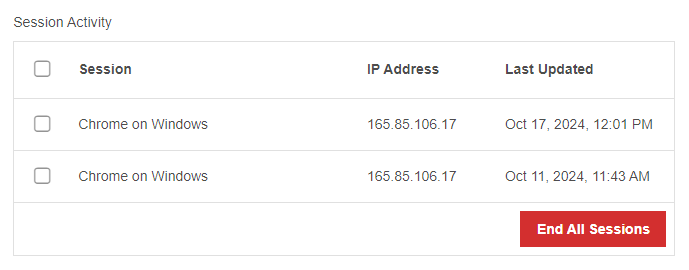
- View and end active user sessions