This article provides insight into the data management tasks that can be conducted by a Workspace admin. This article includes information about data usage, licensing details, and account management.
Admin Dashboard
The Admin Dashboard provides an overview of:
- Licensing amounts
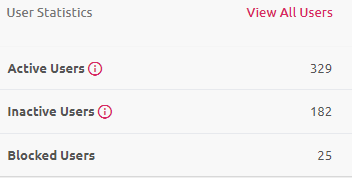
- The number of active, inactive, and blocked users
- A breakdown of data on the platform
Licensing and Domain data
The Licensing Statistics pane will provide the number of Licenses in Use.
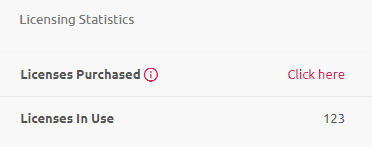
How Licensing Is Calculated
Licensing in Workspace is calculated based on the email domain that a user has. We map an internal domain to that Workspace, meaning anyone with a specific domain and who holds an Active account will consume a license.
Domain Usage
A graph of the top-used domains can be found on the Admin Dashboard.
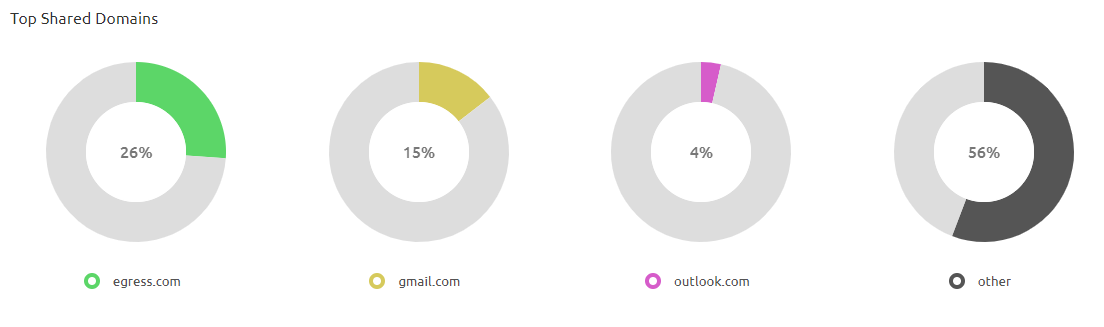
These graphs can be searched for and filtered using the Manage Enrolled User and Group Permissions option under Admin Tools.

Active Users, Inactive Users, and Blocked Users
A list of active, inactive, and blocked users can be found on the Admin Dashboard.
Data Usage
You can view a data catalogue on the Admin Dashboard. This page can be filtered to display a date range, and it is also possible to view the overall amount of data listed.
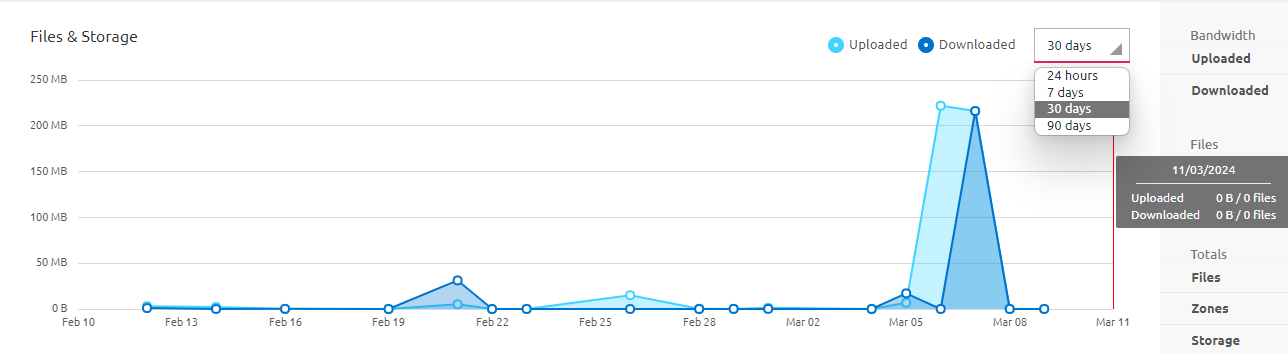
The data can be filtered for the following time periods:
- 24 hours of usage
- 7 days of usage
- 30 days of usage
- 90 days of usage
Additionally, the following information can be seen:
- Bandwidth
- The amount of data uploaded in a specified date range
- The amount of data downloaded in a specified date range
- Files
- The number of files uploaded in a specified date range
- The number of files downloaded in a specified date range
- Totals
- The total number of files uploaded to the Workspace
- The overall number of zones active on the Workspace
- The overall storage amount of the Workspace