Note: This article has recently been added to our Knowledge Base. Thank you for your patience as we continue to make improvements.
This article provides a simple guide to the Workspace dashboard. Learn about the key features displayed on the homepage when you first log in, including recent activity, your account information, and the main navigation sidebar for accessing and creating zones.
The homepage is displayed when you log in to Workspace. On the dashboard, recent activity and account information are displayed.
The navigation sidebar contains all the tools required to create and access zones. For more information about the fields on the navigation sidebar, see the list below.
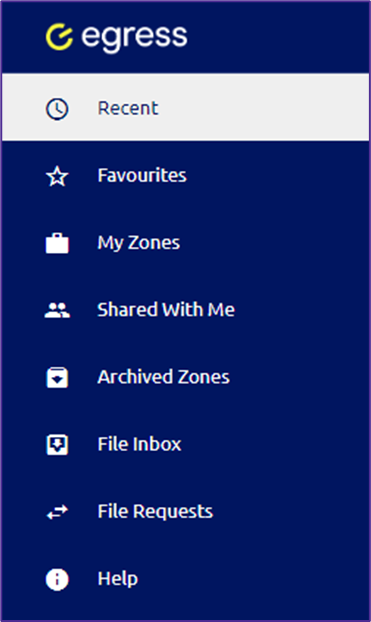
- Recent: View a list of recent zones you have accessed.
- Favorites: View a list of favorited zones.
- My Zones: Access your zones and create a new zone.
- Shared with me: View zones that have been shared with you.
- Archived Zones: View a list of archived zones.
- File Inbox: Stores files that are emailed to your account.
- Help: View support documents and information about Workspace.