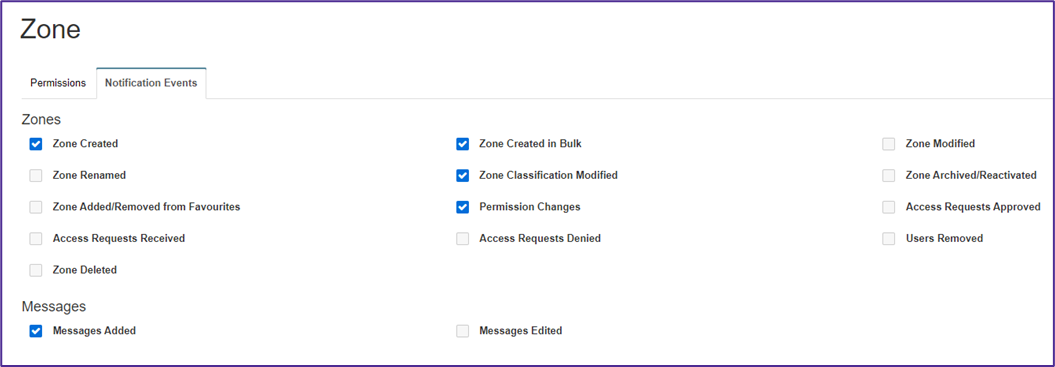
System admins can choose which events will trigger an hourly recent activity email notification. These notifications are linked to file and folder permissions and can therefore be found under Zone Permissions when editing permissions for zone roles.
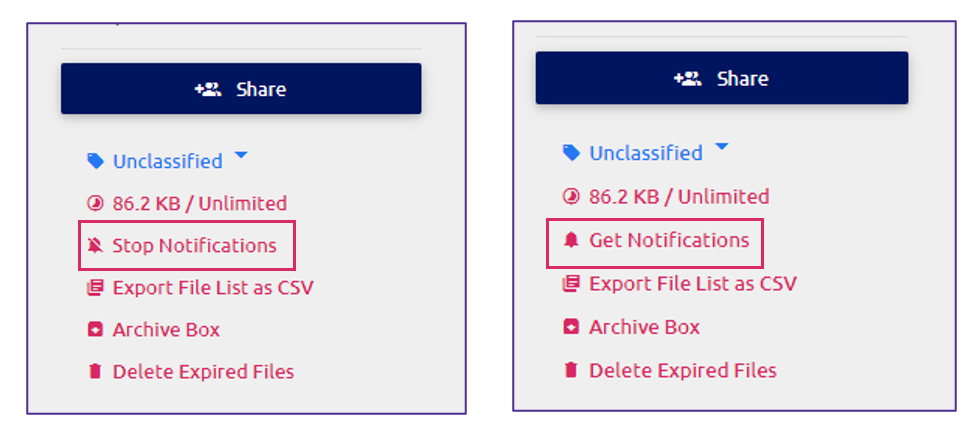
Within a zone, you can choose to Stop Notifications if you do not wish to have notifications sent to you for that zone. You can also opt to Get Notifications to start receiving the hourly notifications for that zone.
Managing Preferences
You can set your Default Watch Status for your zones and zones shared with you by going to Manage Preferences and selecting your preferred choice under the Communication Preferences section.
File Deletion Notification
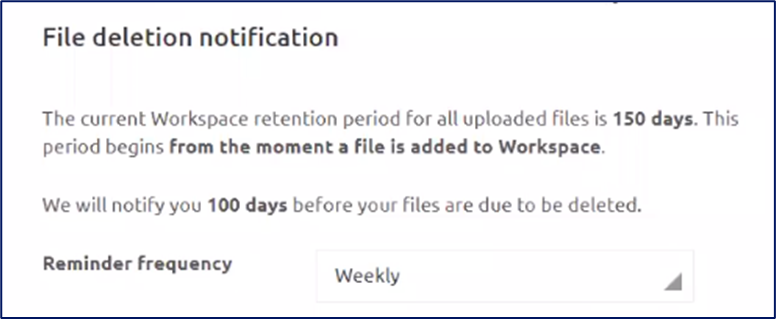
Based on your file retention policy, if you have a hard delete policy, you will be notified when a file is due to be deleted. You can choose to receive these reminders to occur Never, Daily, Weekly, or Monthly using the drop-down menu.
Zone Properties
When a zone is created, the zone admin can set the default watch status for all the users that they have shared the zone with. This feature is found within the zone properties.
If the Watch Status check box is selected by default, all users will receive recent activity notifications for that zone. The only exception to this will be if the user has changed their Default Watch Status or opted to Stop Notifications for that zone.