This article shows how to access your KnowBe4 products using the login page and navigate between them using the navigation menu.
Login Page
This section will show you how to log in to KSAT, PhishER, Defend, and Prevent.
Login URLs
Select any of the links below to navigate to your desired login page.
United States:
- KSAT - https://training.knowbe4.com
- PhishER - https://phisher.knowbe4.com
- Defend and Prevent - https://admin.egress.com
Canada:
- KSAT - https://ca.knowbe4.com
- PhishER - https://ca.phisher.knowbe4.com
- Defend and Prevent - https://admin.egress.com
European Union:
- KSAT - https://eu.knowbe4.com
- PhishER - https://eu.phisher.knowbe4.com
- Defend and Prevent - https://admin.egress.com
Germany:
- KSAT - https://de.knowbe4.com
- PhishER - https://de.phisher.knowbe4.com
- Defend and Prevent - https://admin.egress.com
United Kingdom:
- KSAT - https://uk.knowbe4.com
- PhishER - https://uk.phisher.knowbe4.com
- Defend and Prevent - https://admin.egress.com
Accessing KnowBe4
To log in to your KnowBe4 account, follow the steps below:
- Navigate to your KnowBe4 product login URL.
- Enter your email address and select Continue.
- Enter your email address and password.
- Select Login.
Login Page Features
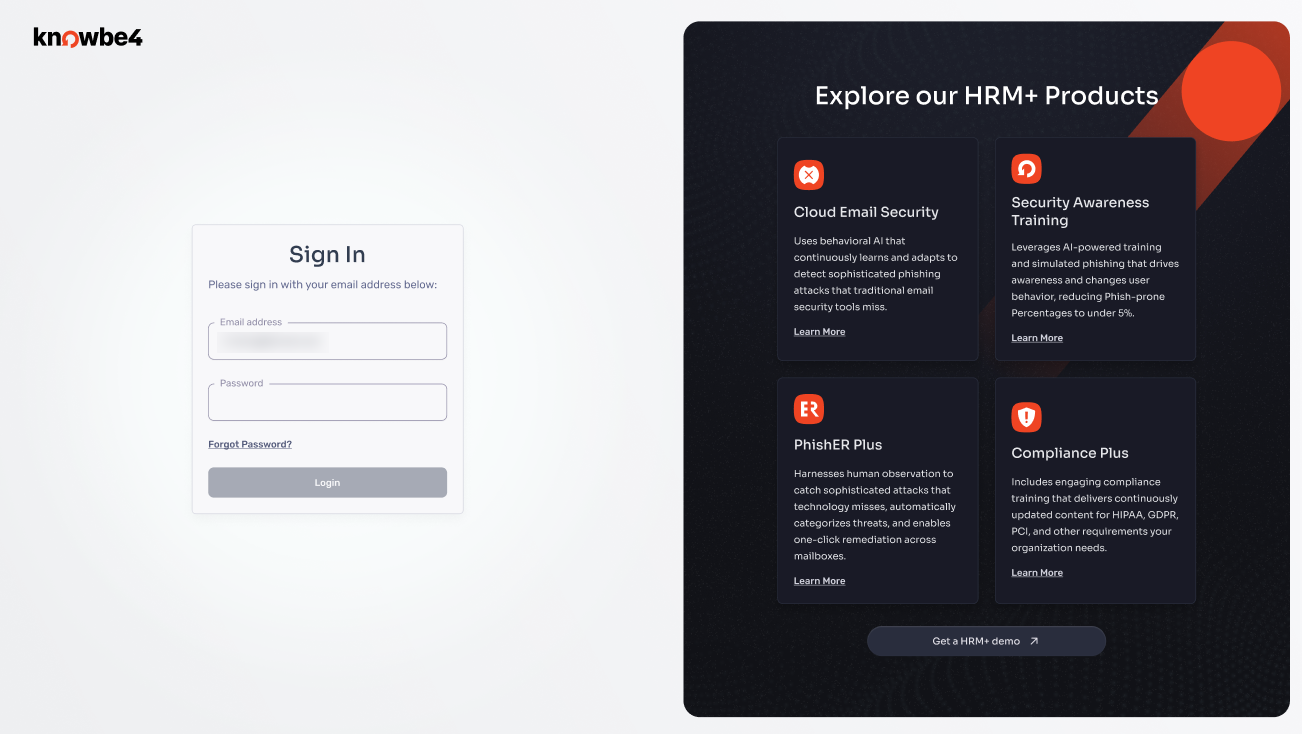
The KnowBe4 login page includes the following elements:
- Sign-in fields: Enter your credentials to access your account
- Product demos: Access links to schedule demonstrations for additional KnowBe4 products
Old Login Page vs. New Login Page
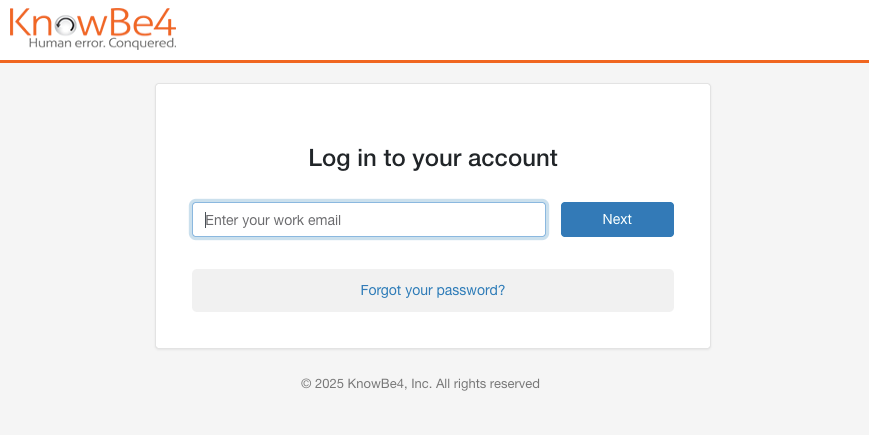
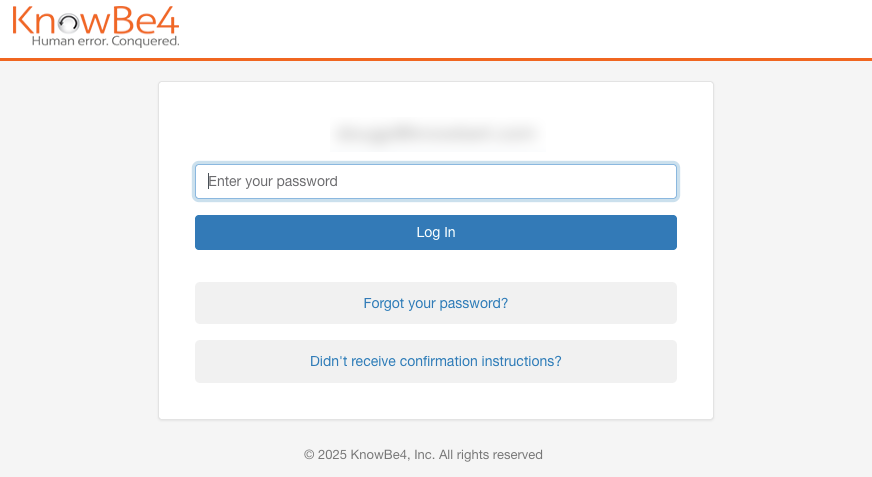
The images below show the old login pages.
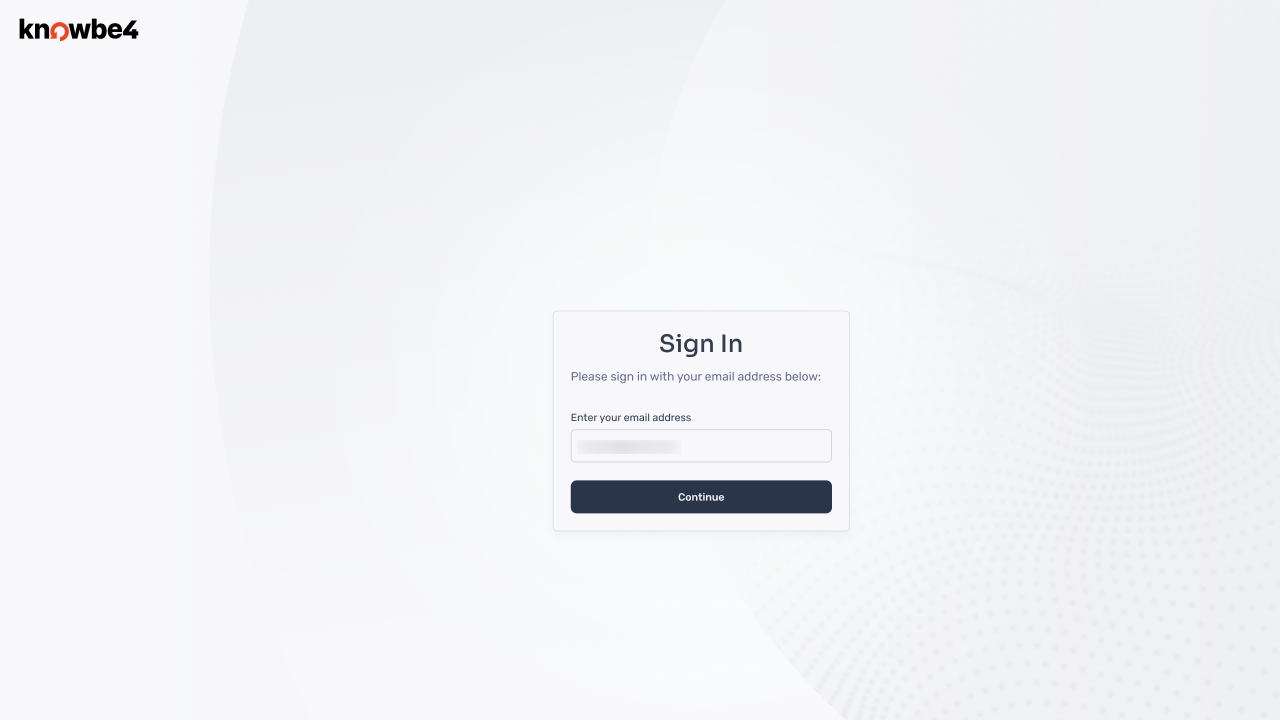
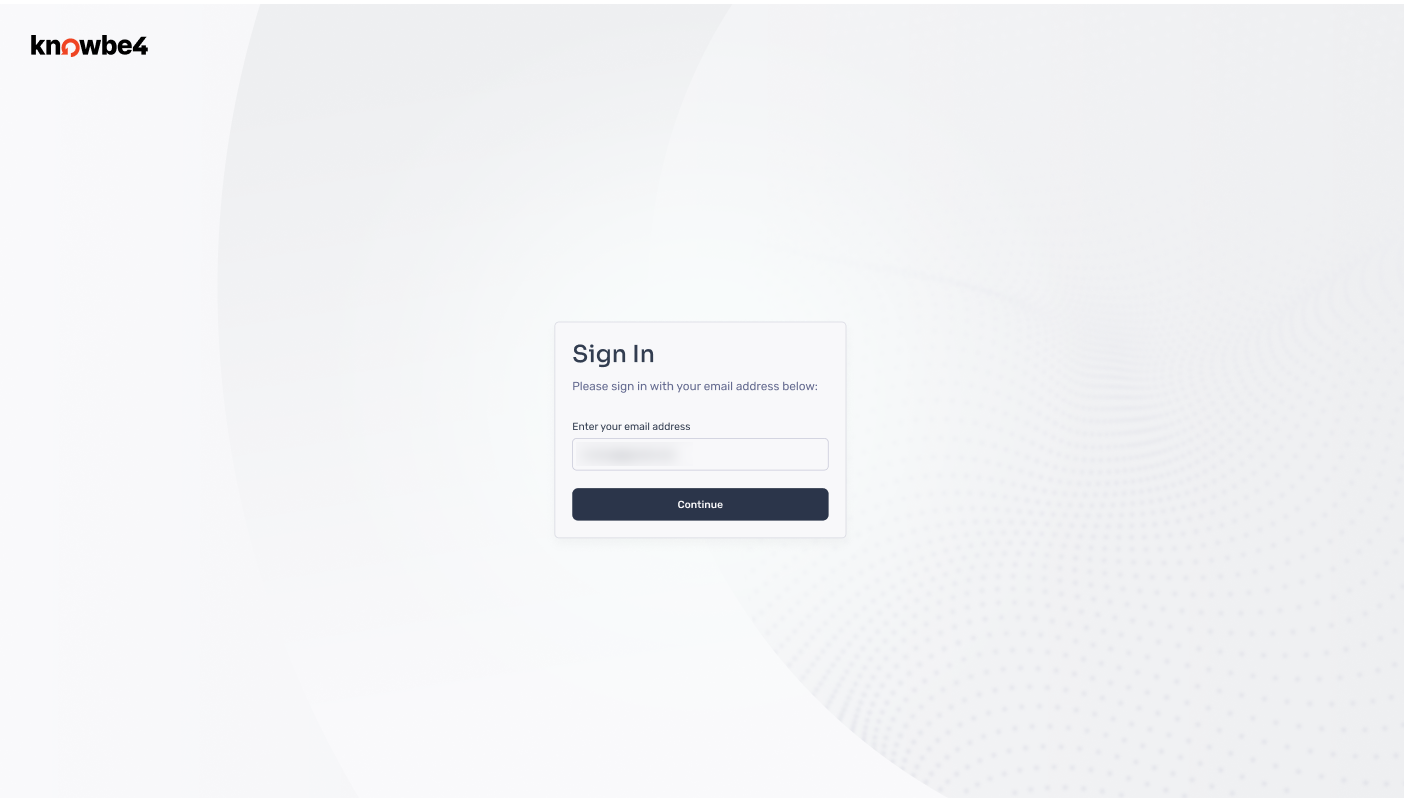
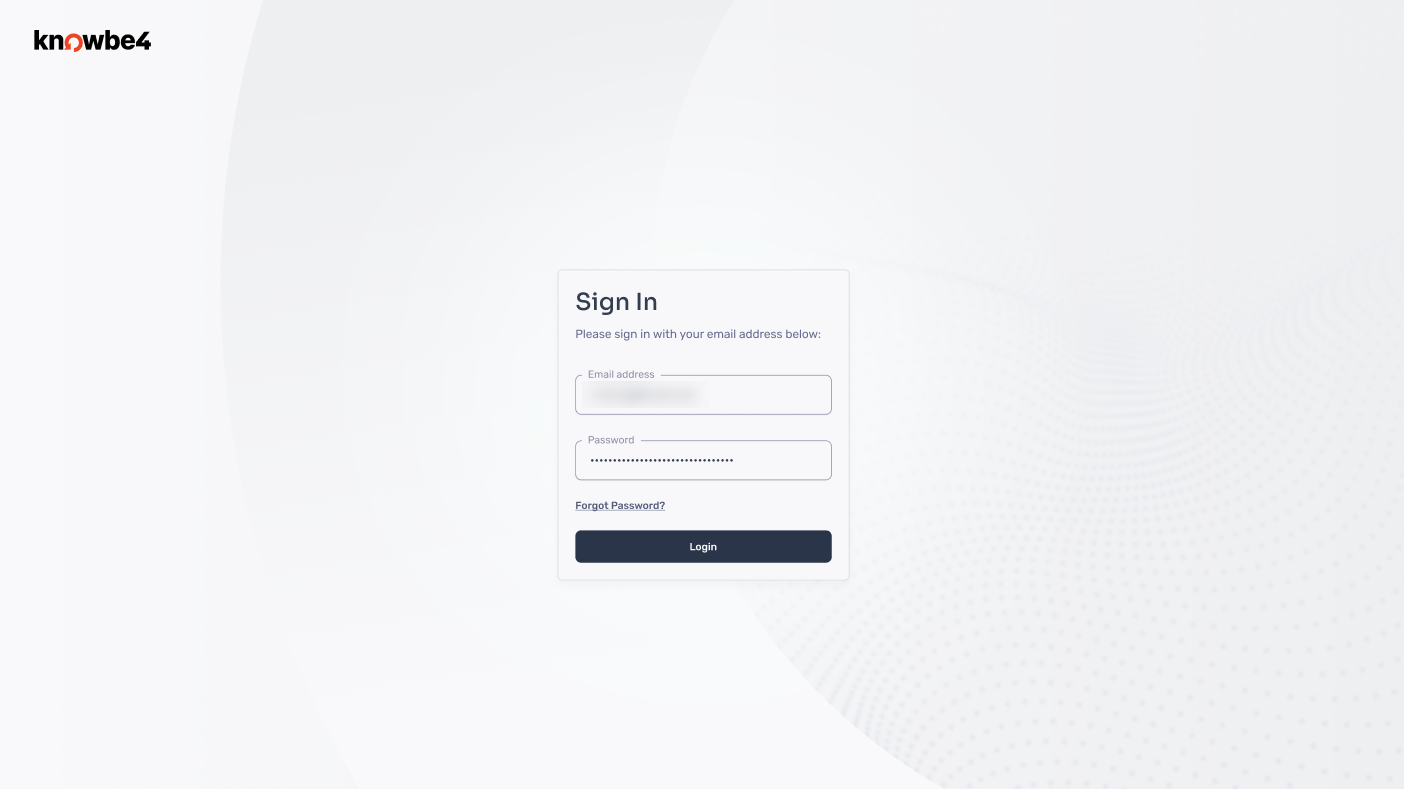
The images below show the new login pages.
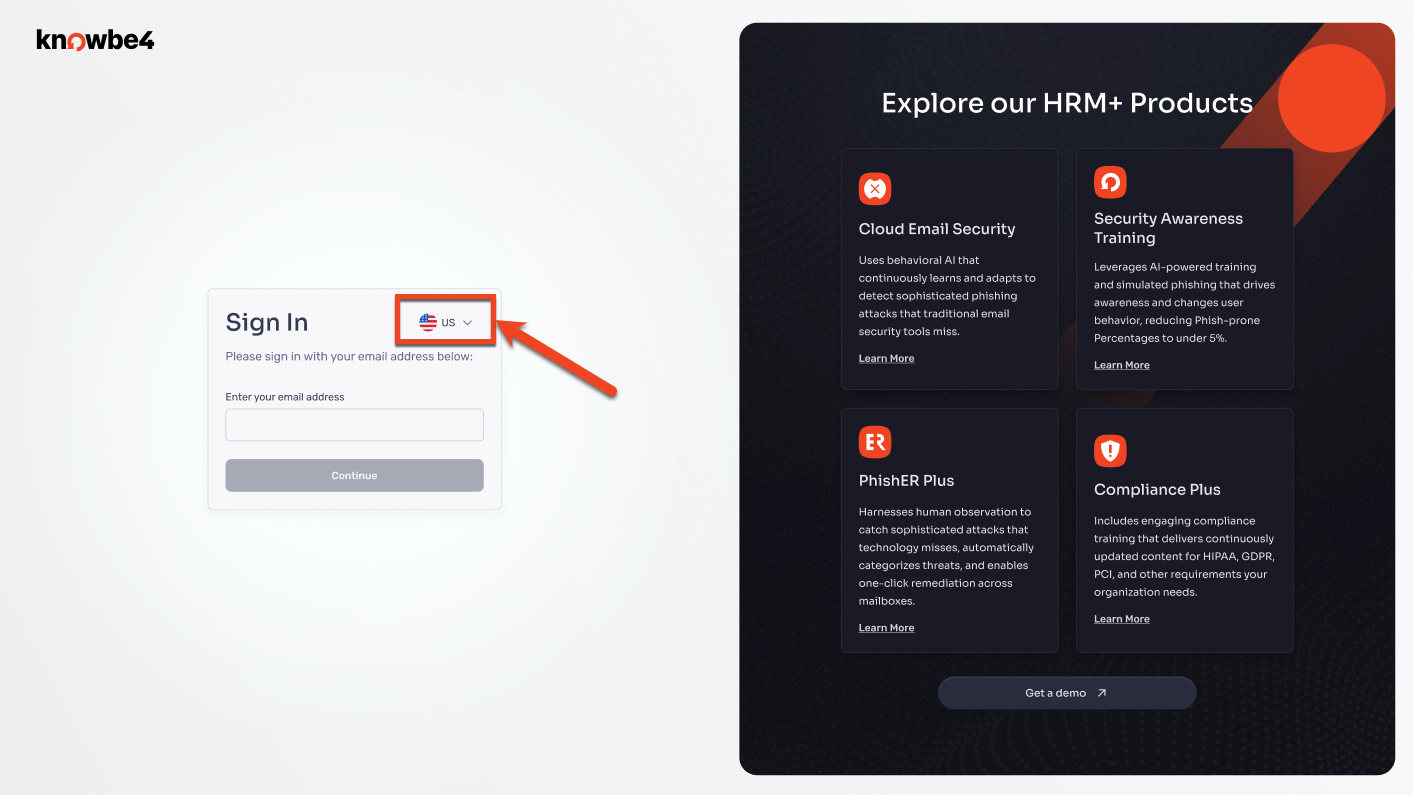
New Learner Experience Login Page:
The images below show the new login pages that users will see when they log in to their Learner Experience.
Navigation Menu
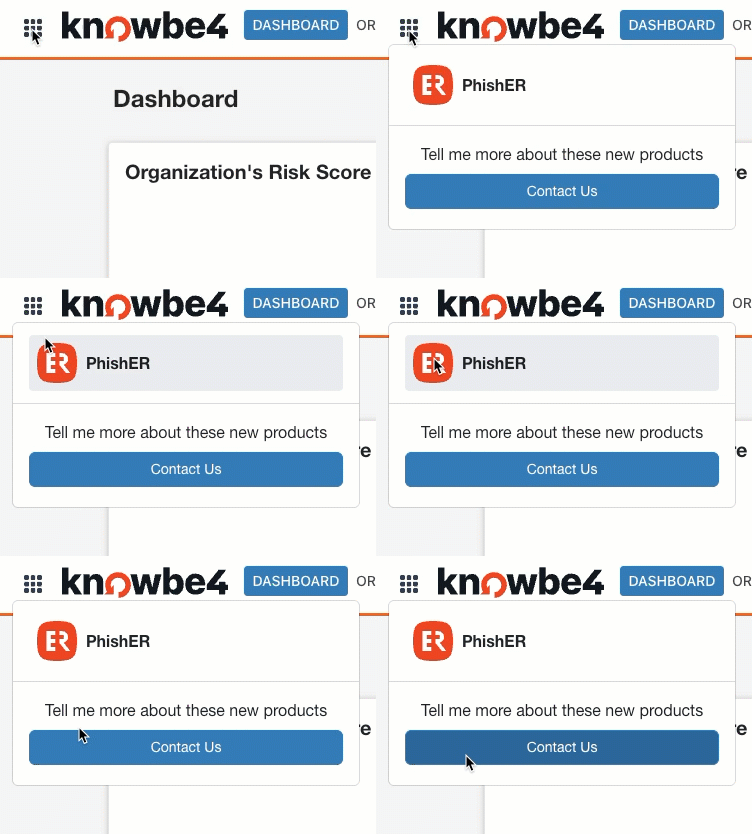
The navigation menu provides centralized access to all KnowBe4 applications associated with your account from a single location.
Using the Navigation Menu
To switch between KnowBe4 products, follow the steps below:
- Log in to any KnowBe4 application.
- Locate the navigation menu in the top-left corner of your console.
- Select the product you want to access from the menu.
- You will be directed to the selected application.
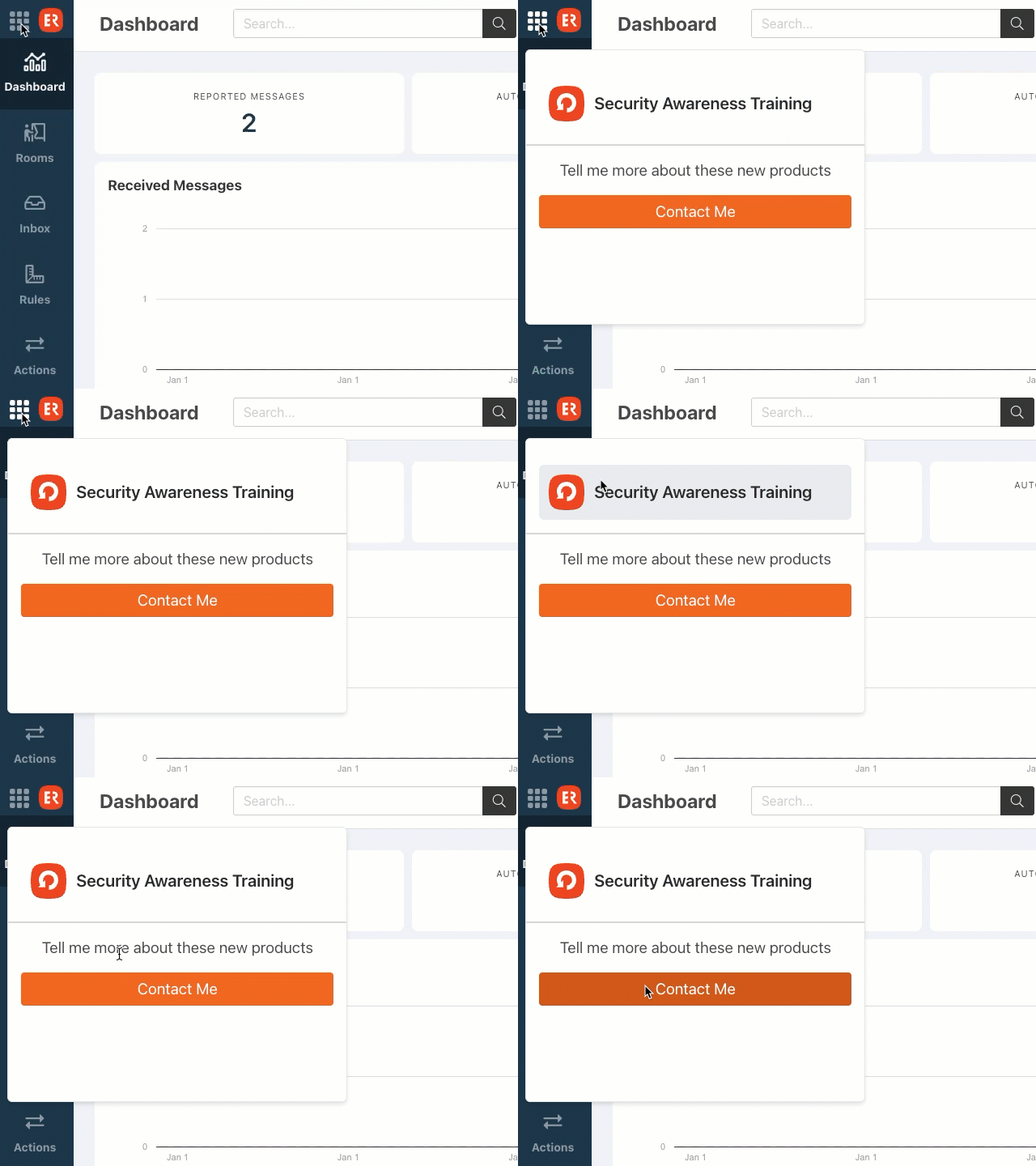
The GIF below shows how to use the navigation menu to access your KnowBe4 products from your KSAT console.
The GIF below shows how to use the navigation menu to access your KnowBe4 products from your PhishER console.
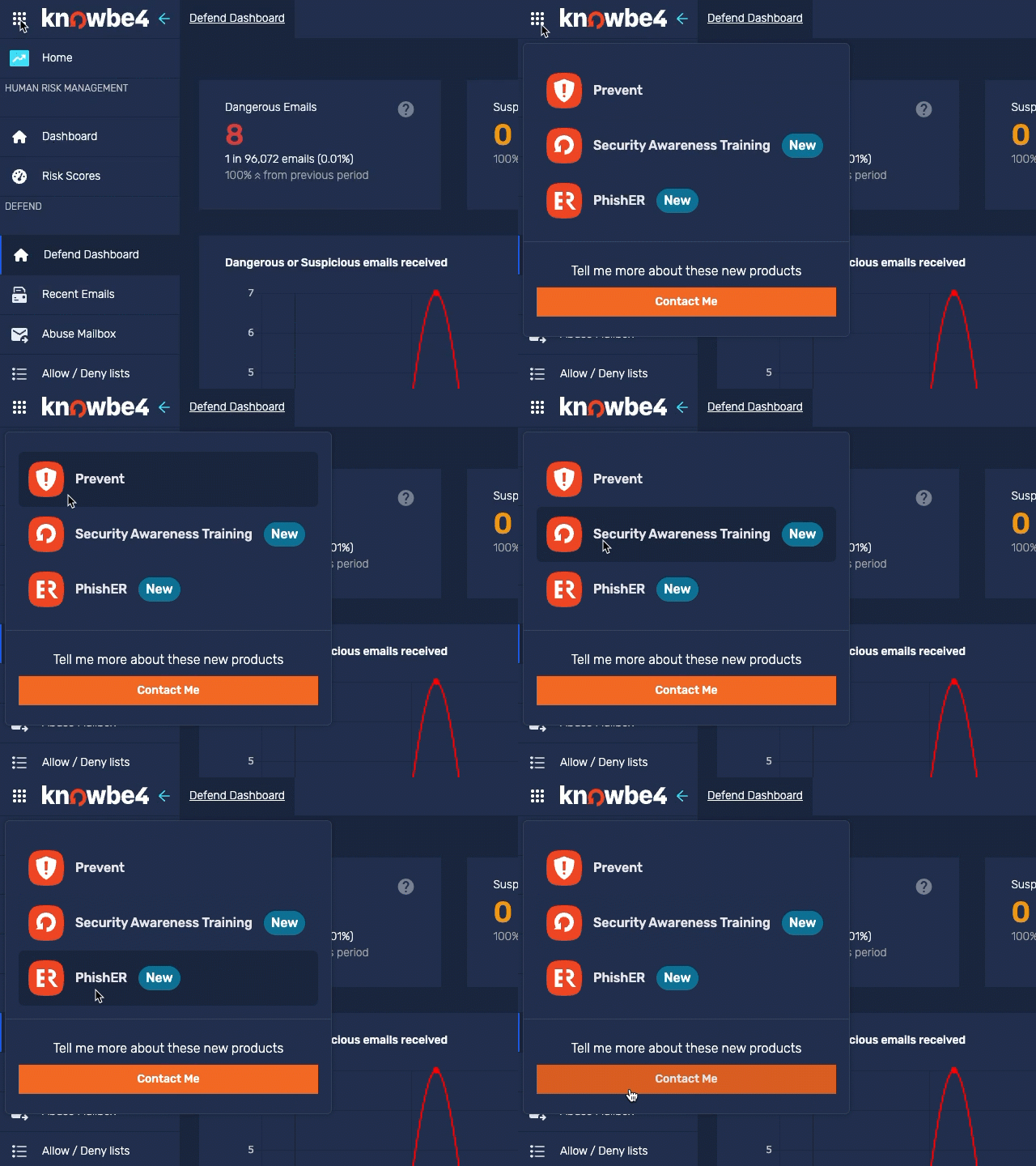
The GIF below shows how to use the navigation menu to access your KnowBe4 products from your Defend console.
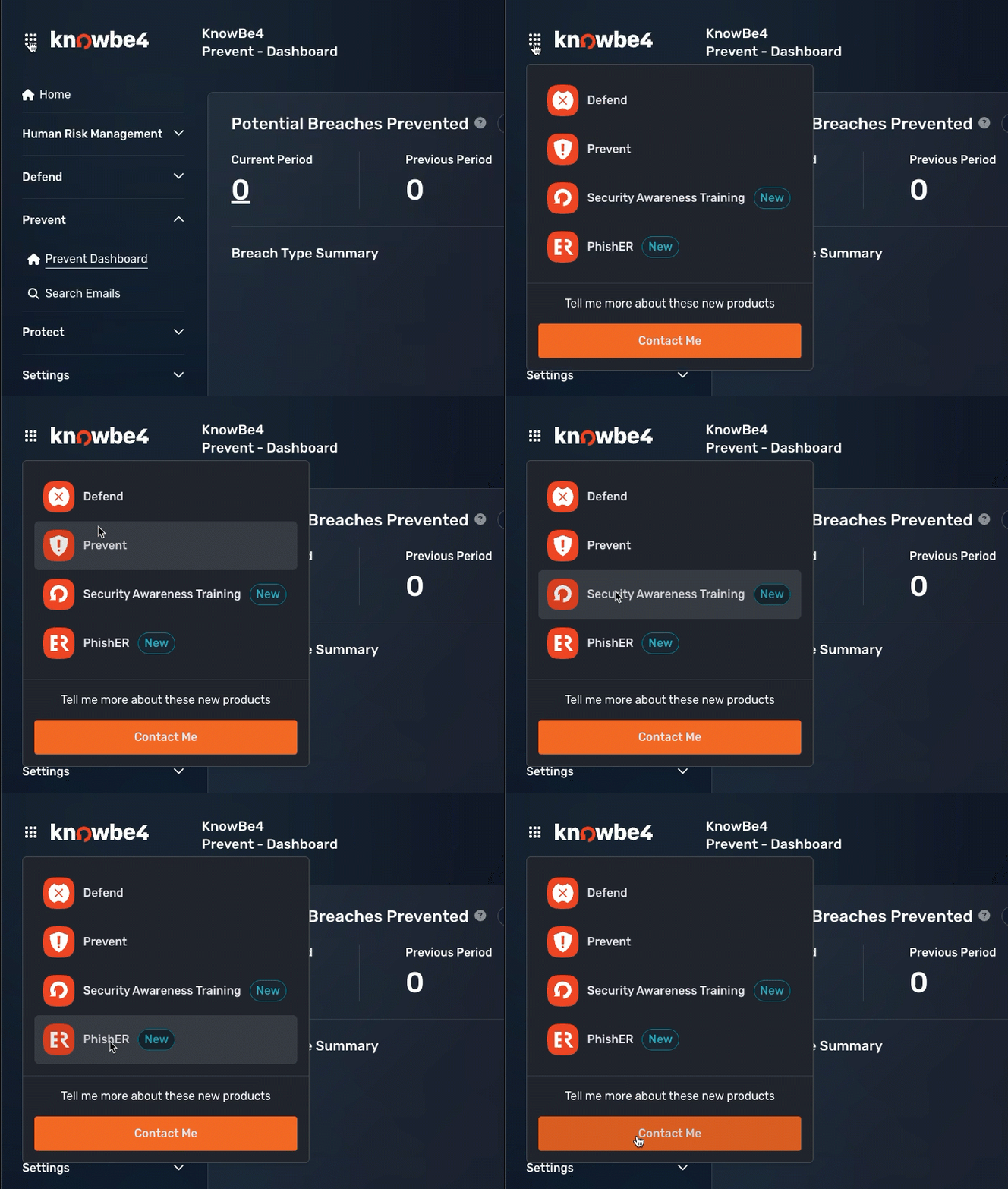
The GIF below shows how to use the navigation menu to access your KnowBe4 products from your Prevent console.
Updated KnowBe4 Logo
The images below show our old and new KnowBe4 logos.
Old logo:

New logo: