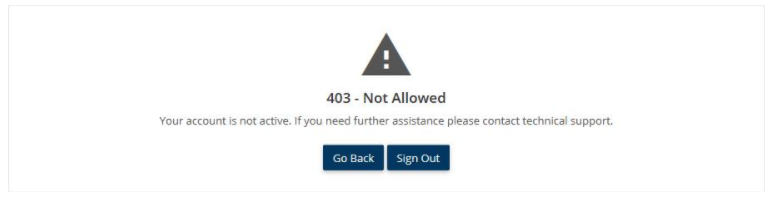
A 403 error indicates that the server has denied access to a requested resource. This error occurs when you have insufficient permissions to view or access the content.
In most instances on Workspace, you will receive a 403 error in the following circumstances:
- You have signed in with an Egress ID alternate to the email address associated with your shared files.
- The user who has shared the files with you has removed your access.
- The user has sent you a link to the Zone, but has not actually added you to the access list.
Note:Being sent the link to a Workspace does not guarantee that your Egress ID has been given permission to view the files stored there.
Please contact the original sender to confirm which email address they have granted permission to access the Workspace.
An example 403 error can be seen in the screenshot below: