You can integrate your Seemplicity platform into your KSAT console. The Seemplicity platform is a Remediation Operations (RemOps) platform that accelerates risk reduction and streamlines security compliance workflows. It helps organizations manage and automate remediation efforts across multiple teams, improving efficiency, effectiveness, and speed. Integrating with KSAT allows you to receive findings about training completion status via the Seemplicity platform.
Before You Connect Seemplicity to Your KSAT Console
Before integrating Seemplicity into your KSAT console, you must know the region where you are connecting to KSAT and obtain your organization’s API token. You must create a KnowBe4 instance API token and save it in a safe location for use in the following steps. For more information on KnowBe4’s API tokens, see our KnowBe4 API Reference Guide.
Connecting Seemplicity to Your KSAT Console
You can connect your Seemplicity platform to your KSAT console by following the steps below.
- In your Seemplicity platform, navigate to Settings > Integrations > Data Sources > KnowBe4 > Integrate.
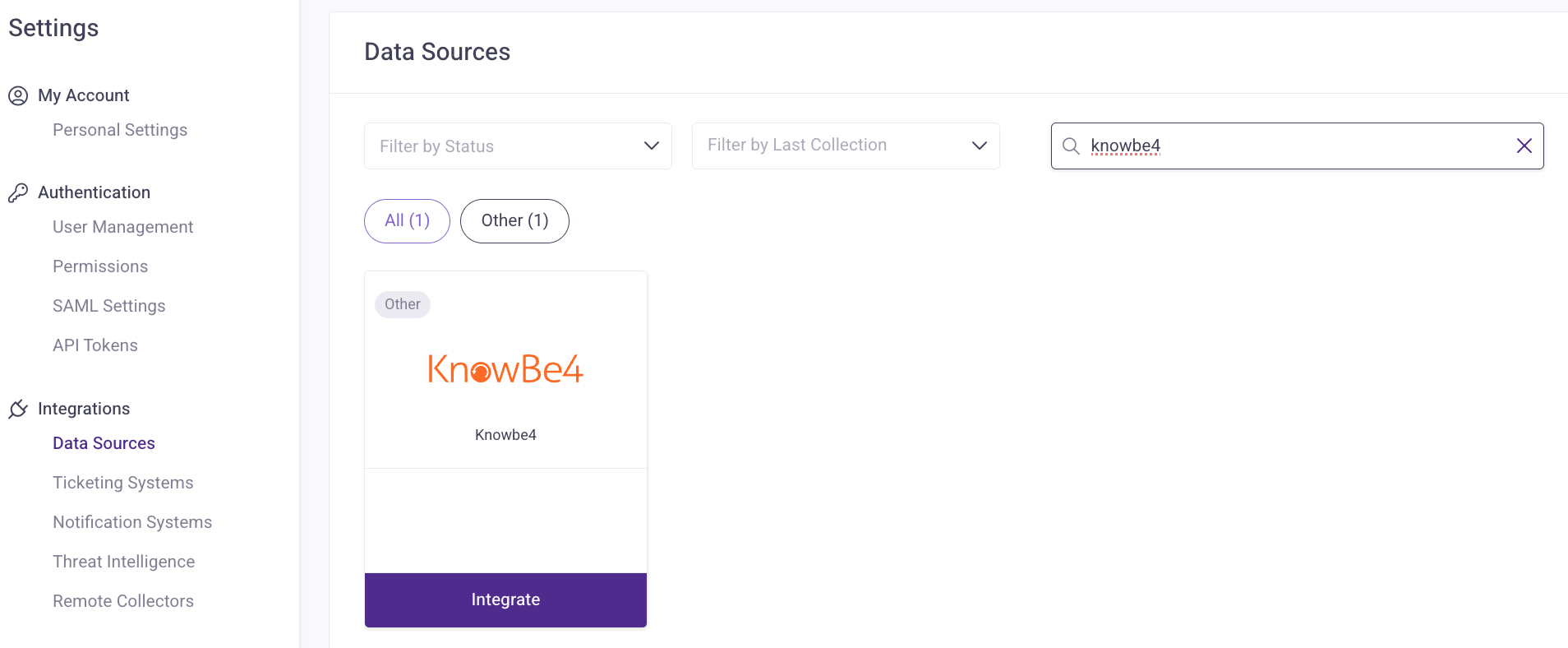
- On the New Instance page, enter a descriptive name for this integration in the Name field.

- From the Region drop-down menu, select the region where you want to connect. Choices include CA, DE, EU, UK, and US.
- In the API Token field, paste the KnowBe4 API token that was previously created.
- When finished, select Save.