KnowBe4’s Program Maturity Assessment (PMA) is a free tool that gives you quick insight into what level your organization ranks regarding its security culture and risk awareness. Your results will show you how to improve your organization’s level. The PMA questionnaire is approximately five minutes long.
Getting Started
To get started with your PMA, follow these steps below.
- Go to the Program Maturity Assessment (PMA) page on KnowBe4’s website.
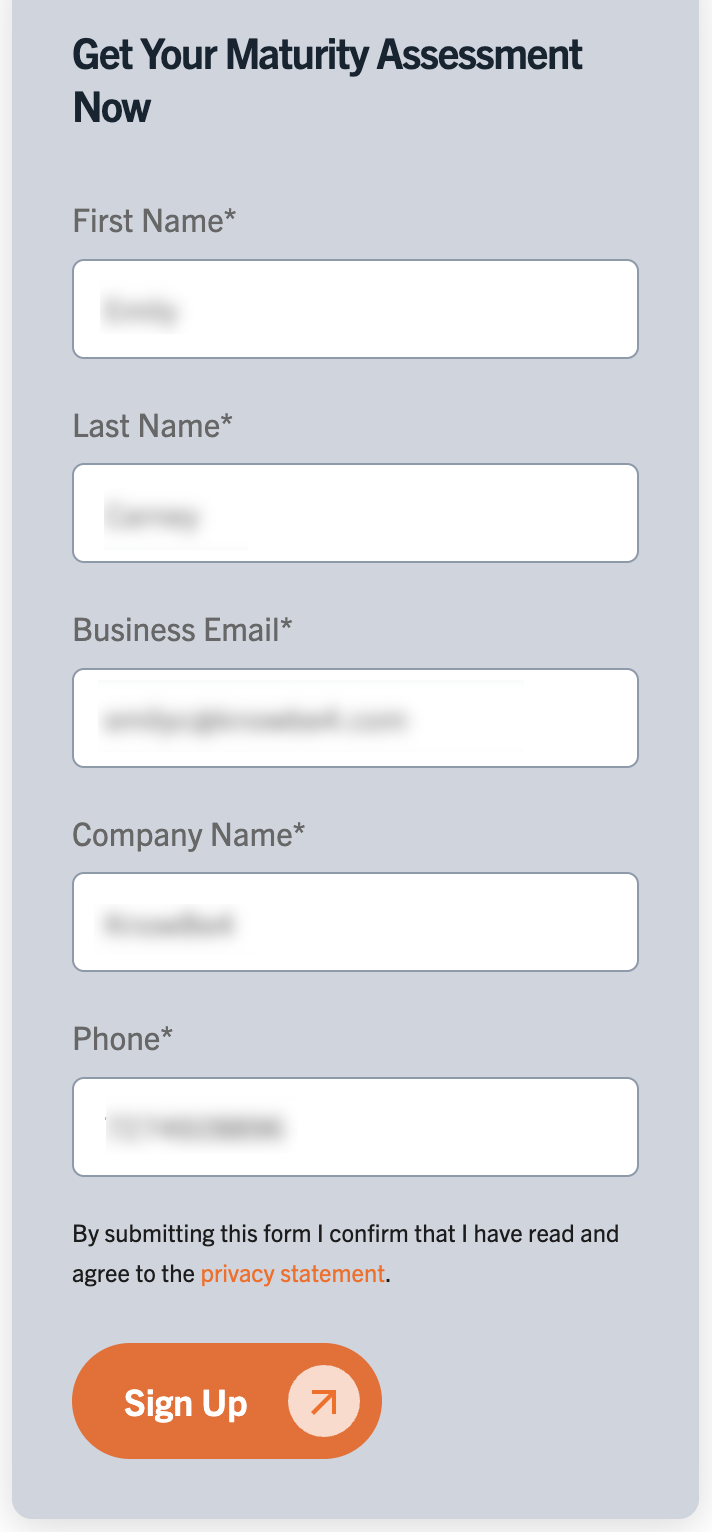
- Enter your information, including your name, business email address, company name, and phone number, under the Get Your Maturity Assessment Now section at the right of the page.
- Click the Sign Up button.
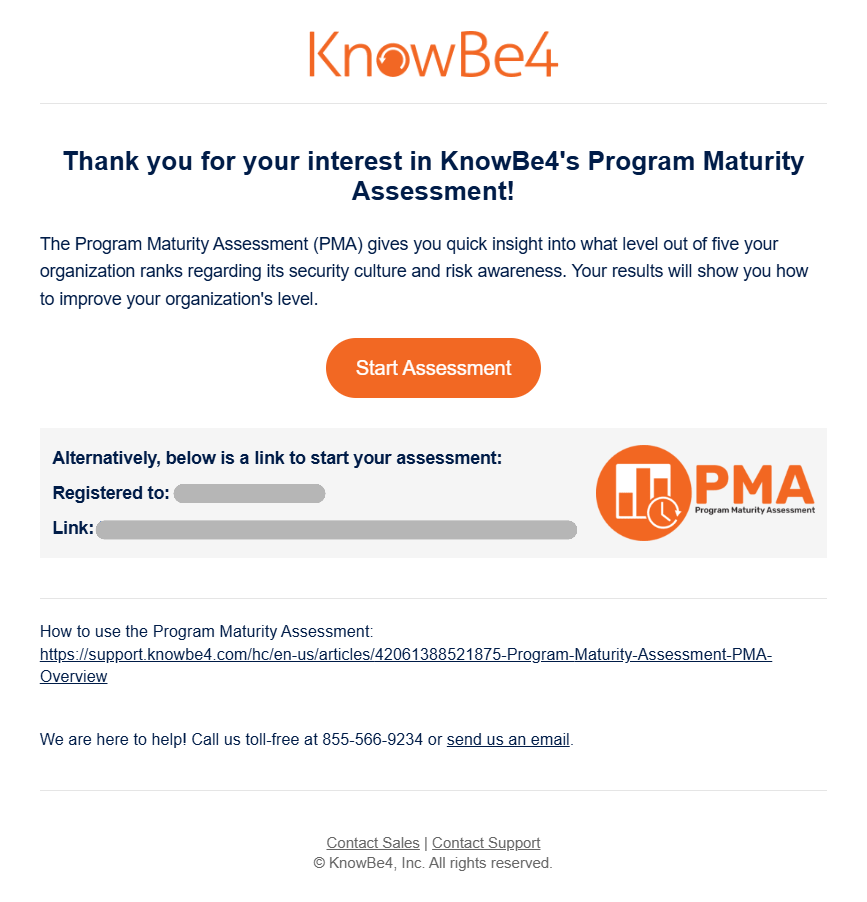
- Within a few minutes, you should receive an email with the subject line Program Maturity Assessment. Check your Spam folder if you don’t see the email in your primary inbox.
- In the email, click the Start Assessment button. The assessment should open in another browser tab.
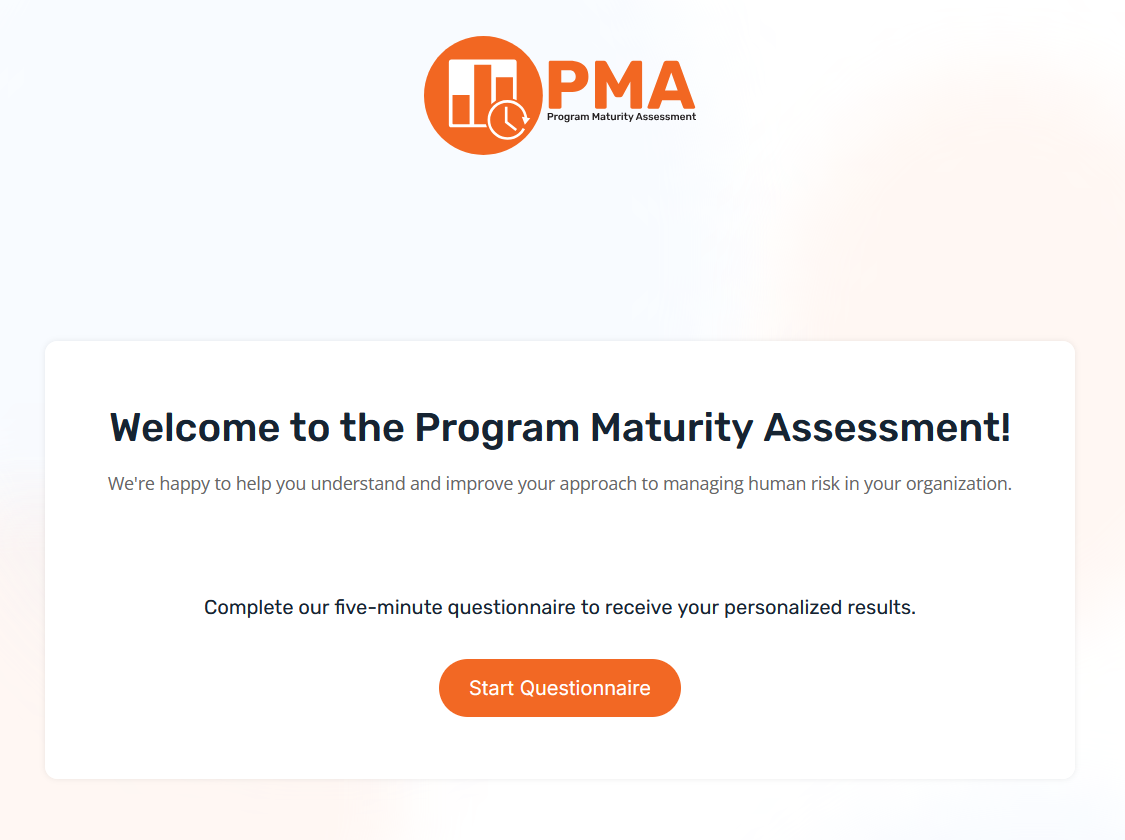
- To begin the assessment, click the Start Questionnaire button.
Taking the Assessment
The PMA will evaluate your organization across 40 maturity indicators in ten critical dimensions of human risk management:
- Leadership and Strategy: Is cybersecurity a priority to leadership?
- Awareness and Behaviors: Is your training inclusive and relevant?
- Employee-focused Security Tools: Have you implemented multi-factor authentication (MFA), password managers, and phishing reporting tools?
- Policies and Procedures: Are your security policies clear and accessible?
- Employee Mindset: Do your people take personal responsibility for security?
- Measurement and Metrics: How do you track program effectiveness?
- Continuous Improvement: Does your program evolve based on new threats?
- Employee Engagement: Do people actively participate in security initiatives?
- Risk Awareness: Do employees understand your organization's specific risks and the security impact of their actions?
- Integration with Business: Is security incorporated into everyday processes?
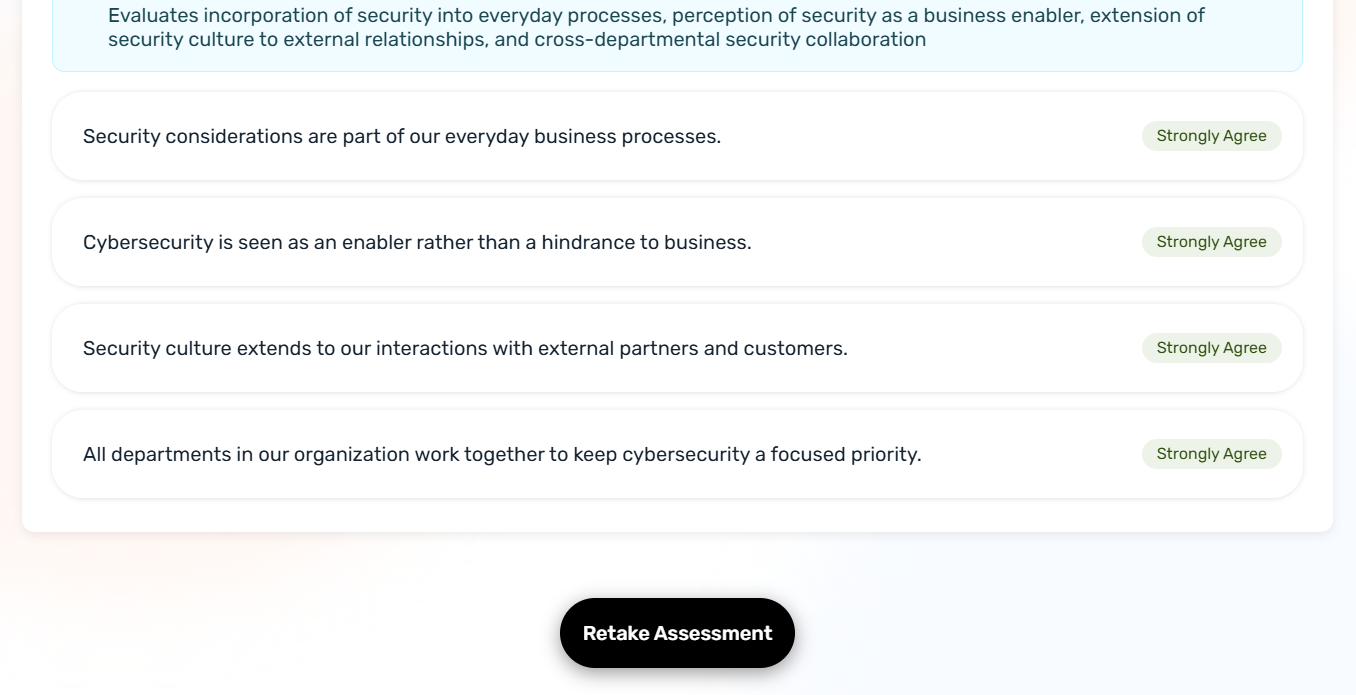
In each of these ten sections, select your level of agreement with several statements, from Strongly Disagree to Strongly Agree. For example, view the Leadership and Strategy section below, the first of the PMA’s ten sections:
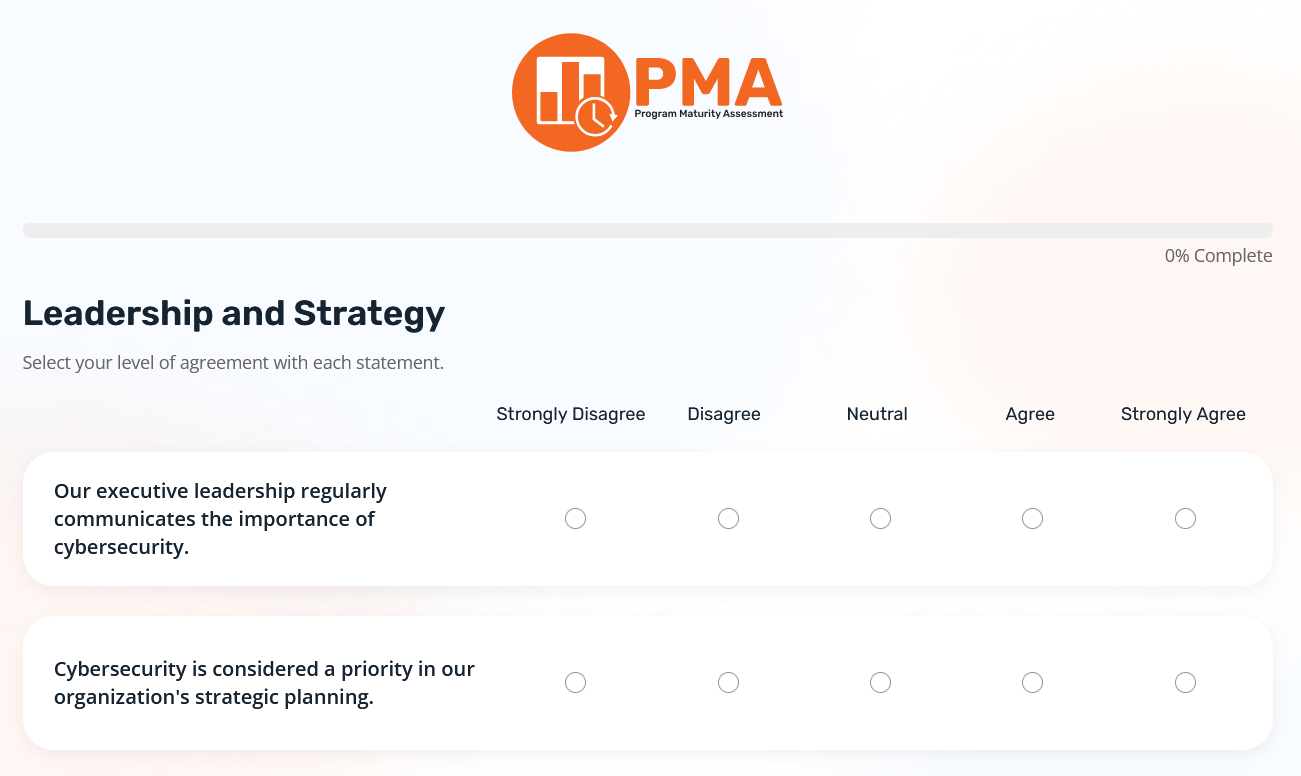
When you complete the ten sections, your PMA score will be calculated, and an action plan will be customized for your organization.
Understanding Your Assessment
The Assessment Results page provides insight into what level your organization ranks regarding its security culture and risk awareness.
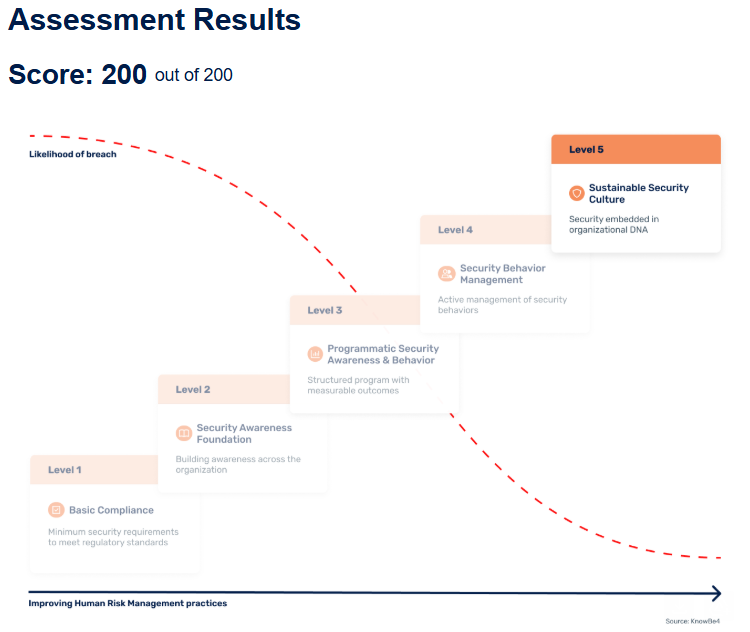
The maximum score an organization can receive is 200, and there are five levels that could match your organization. The five levels are as follows, from lowest to highest:
- Basic Compliance: The minimum security requirements to meet regulatory standards
- Security Awareness Foundation: Building awareness across the organization
- Programmatic Security Awareness and Behavior: A structured program with measurable outcomes
- Security Behavior Management: Active management of security behaviors
- Sustainable Security Culture: Security embedded in organizational DNA
At the lowest level (Basic Compliance), your organization’s risk of a security breach is the highest. However, as you increase your organization’s human risk management practices, the likelihood of a security breach decreases.
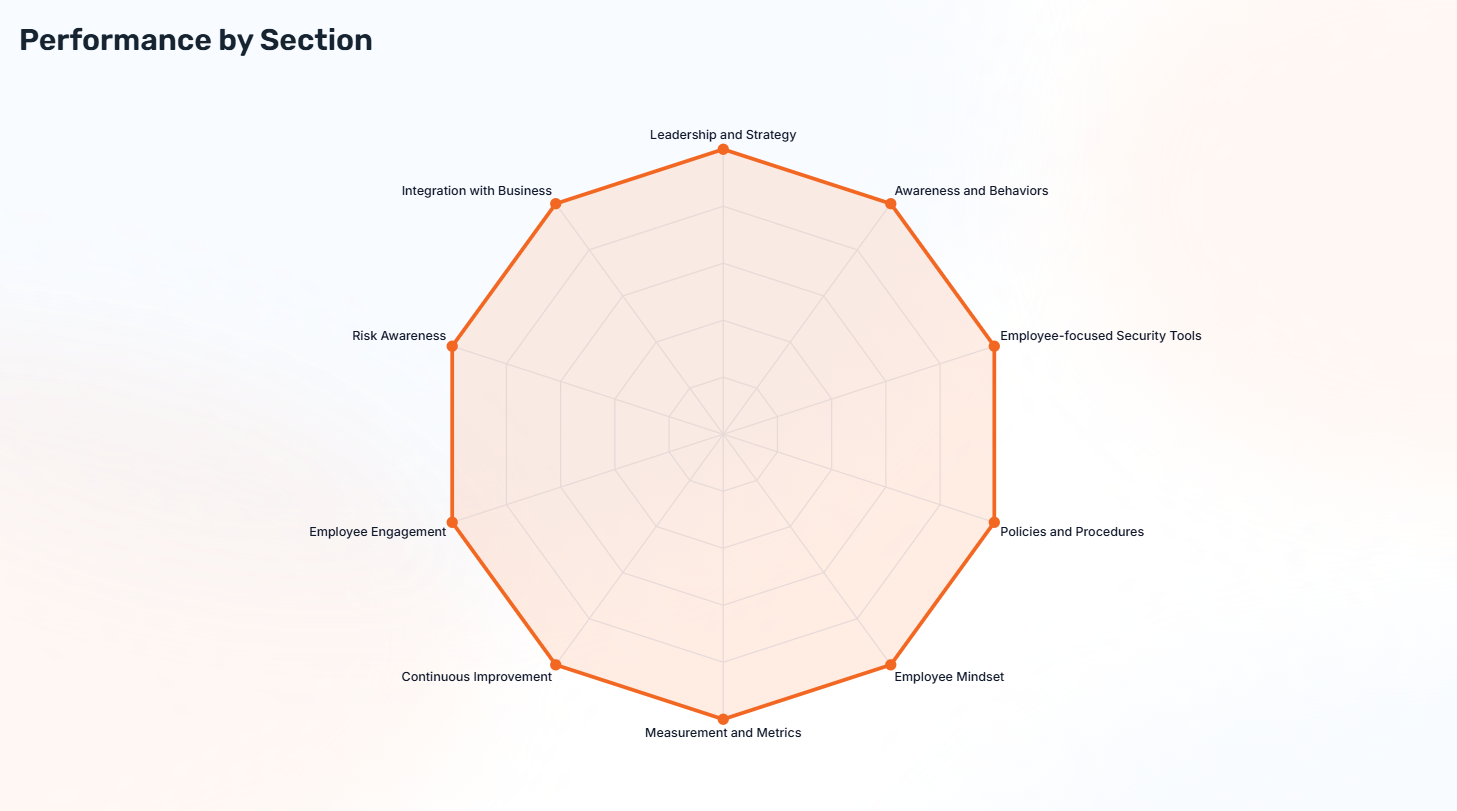
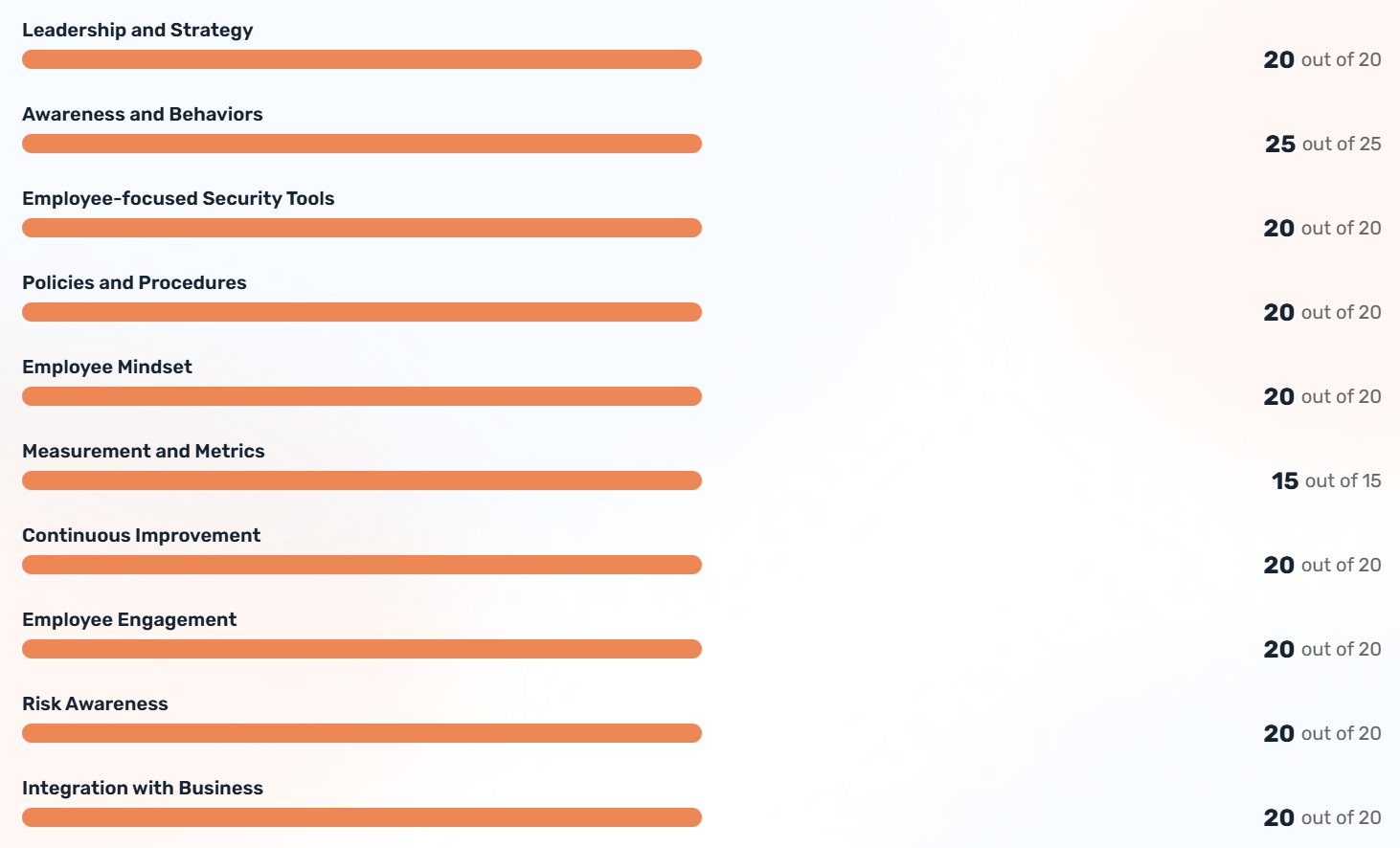
Your results will also include a spider diagram showing performance by section and horizontal bar graphs showing your scores in each of the ten sections.
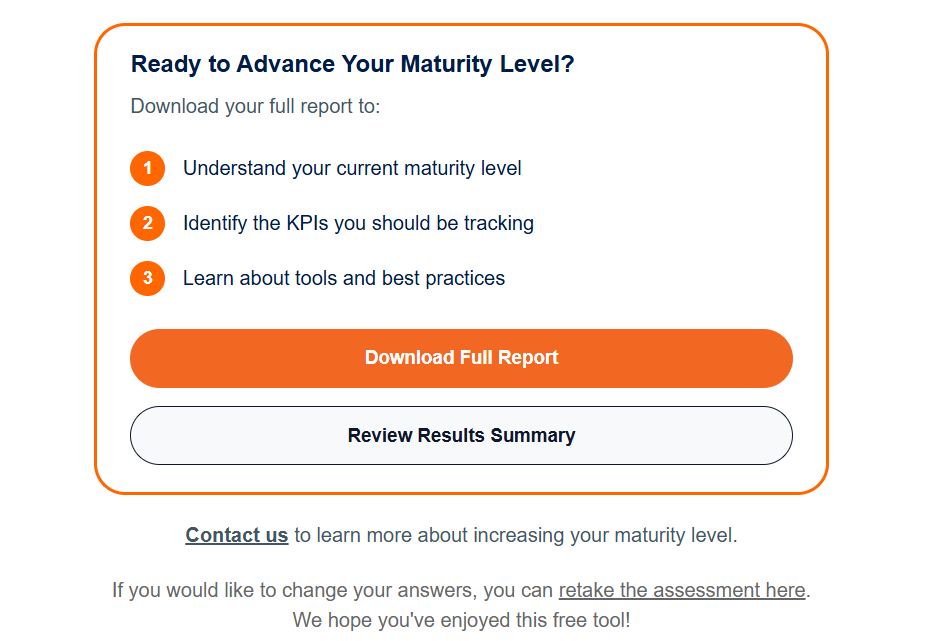
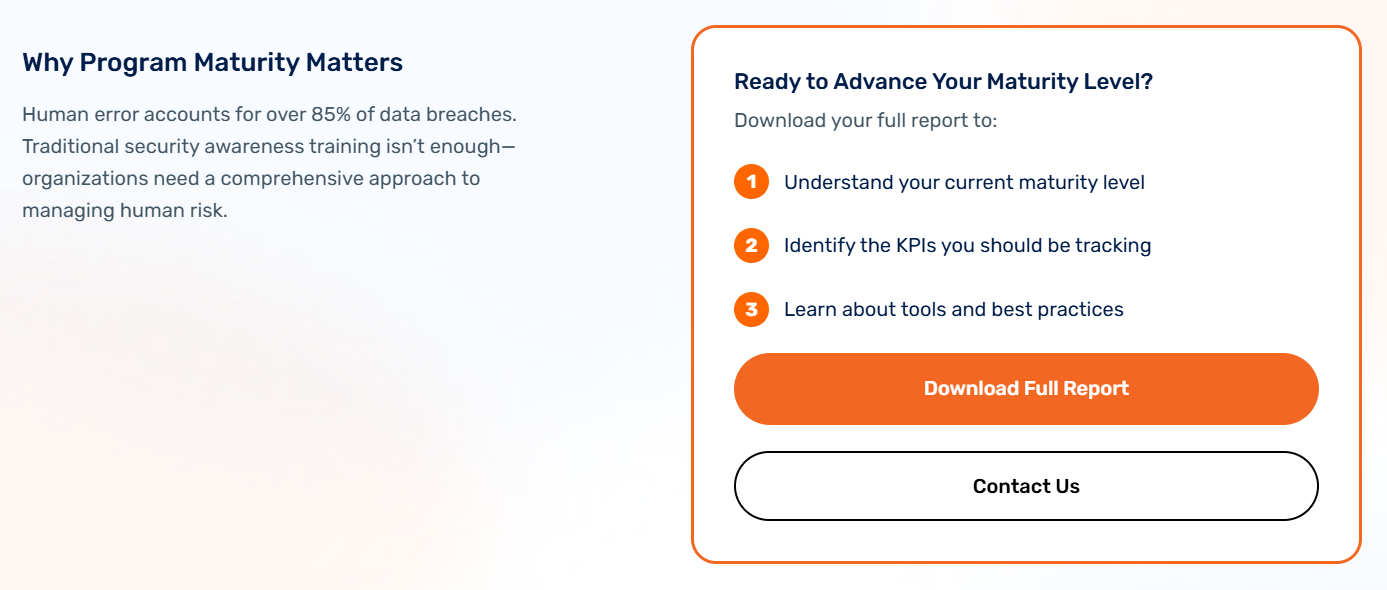
Under the Ready to Advance Your Maturity Level? section, you can download your full PMA report with an action plan customized for your organization by clicking the Download Full Report button. Your report will be downloaded as a PDF file. If you have any questions regarding your report, click the Contact Us button.
If you would like to retake the Program Maturity Assessment, click the Retake Assessment button at the bottom of the Assessment Results page.
Program Maturity Assessment Results Email
Your results, including your full report with an action plan customized for your organization, will also be sent to the email address you previously provided. You can review the Assessment Results page again by clicking the Review Results Summary button, contact us if you have any questions, and retake the assessment via the link at the bottom of the email.