When the COM add-in is installed alongside Mimecast for Microsoft Outlook and InMailX, the Mimecast add-in is unable to load. This guide provides the necessary registry keys to overcome this issue.
The Problem
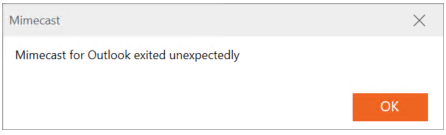
Once you've canceled the sign-in dialog and canceled any InMailX dialogs, Mimecast will try to load, and you will see the following error message:
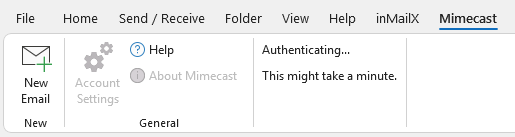
At this point, InMailX and Egress will work fine, but Mimecast cannot authenticate or do anything more and will appear as seen below in the Microsoft Outlook ribbon:
The Solution
To resolve this issue, you need to specify the .net framework so you won't share resources and load independently for each add-in. To do this, you can set the following registry key:
32-bit Outlook/Office:
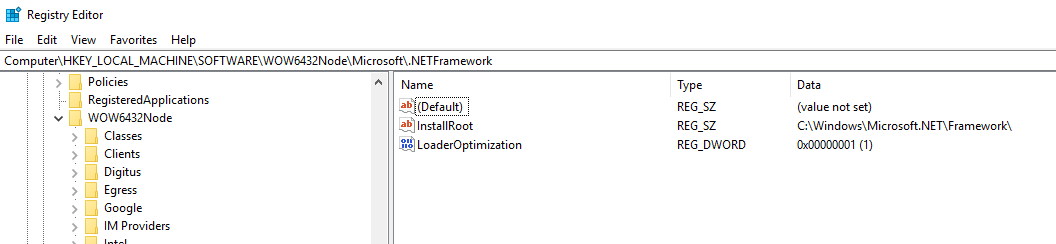
- Computer\HKEY_LOCAL_MACHINE\SOFTWARE\WOW6432Node\Microsoft\.NETFramework
- DWORD
- Name: LoaderOptimization
- Value: 1
64-bit Outlook:
- Computer\HKEY_LOCAL_MACHINE\SOFTWARE\Microsoft\.NETFramework
- DWORD
- Name: LoaderOptimization
- Value: 1
An example registry key can be seen in the screenshot below (32-bit location shown):
Further details about the key can be found here:
https://learn.microsoft.com/en-us/dotnet/api/system.loaderoptimization?view=net-8.0