The web add-in requires local storage to store sign-in information for users, allowing them to stay signed in. Users may see errors regarding access to local storage if said access is blocked or restricted.
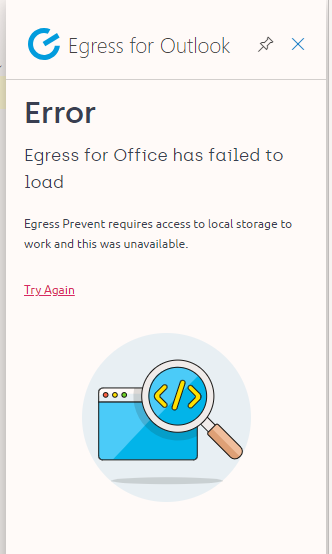
The most common reason for this error is when an organization uses Microsoft Outlook on the web (OWA), but users have cookies set to Blocked on their internet browsers.
This error can be resolved by enabling cookies in your users' browser with the following steps below:
- In your browser, navigate to Settings > Privacy and Security. Most web browsers offer this option, where you can control cookie preferences.
- You will need to allow sites to save and read cookie data and allow the use of third-party cookies.
If you do not want to enable cookies for all sites, you can add exceptions to resolve this specifically for the Web add-in. To do this, add an exception for https://[*.]uk.office.egress.com:443.