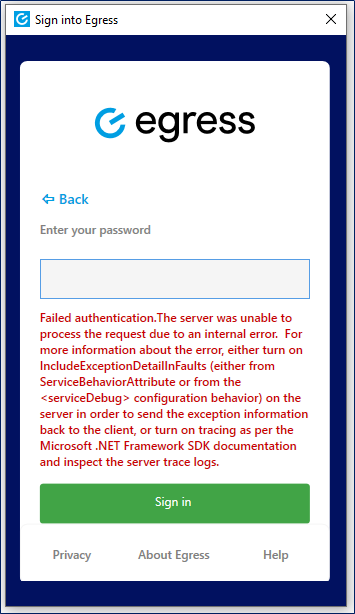
If you are using ADFS for single sign-on (SSO), you may receive the following error when opening Microsoft Outlook:
Failed authentication. The server was unable to process the request due to an internal error. For more information about the error, either turn on IncludeExceptionDetaillnFaults (either from ServiceBehaviorAttribute or from the <serviceDebug>configuration behavior) on the server in order to send the exception information back to the client, or turn on tracing as per the Microsoft .NET Framework SDK documentation and inspect the server trace logs.
Resolution
If you are seeing this error, there is likely an issue with the ADFS server. It would be advised to check the IIS services and, if necessary, reboot the server.
For further information, please consult the official Microsoft support advice.