You may receive an access request from a user trying to view a secure email you sent. This request may be because the email has been forwarded to them, or they have tried to view it using an alternative email address.
You will receive an email notification informing you that access has been requested. The user's details will be in the email allowing you to decide whether or not access should be granted.
To grant access, follow the steps below:
- Log in to the Administration Panel.
-
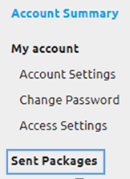
Select Sent Packages on the side menu.
-
Select the With Pending Requests tab.

- Select the recipient name under The following users have requested access to this package.
- You can then choose to Approve Request or Deny Request.
- Ensure you select Save when approving requests or amending permissions.