You may see an error similar to the image below when trying to access an email:
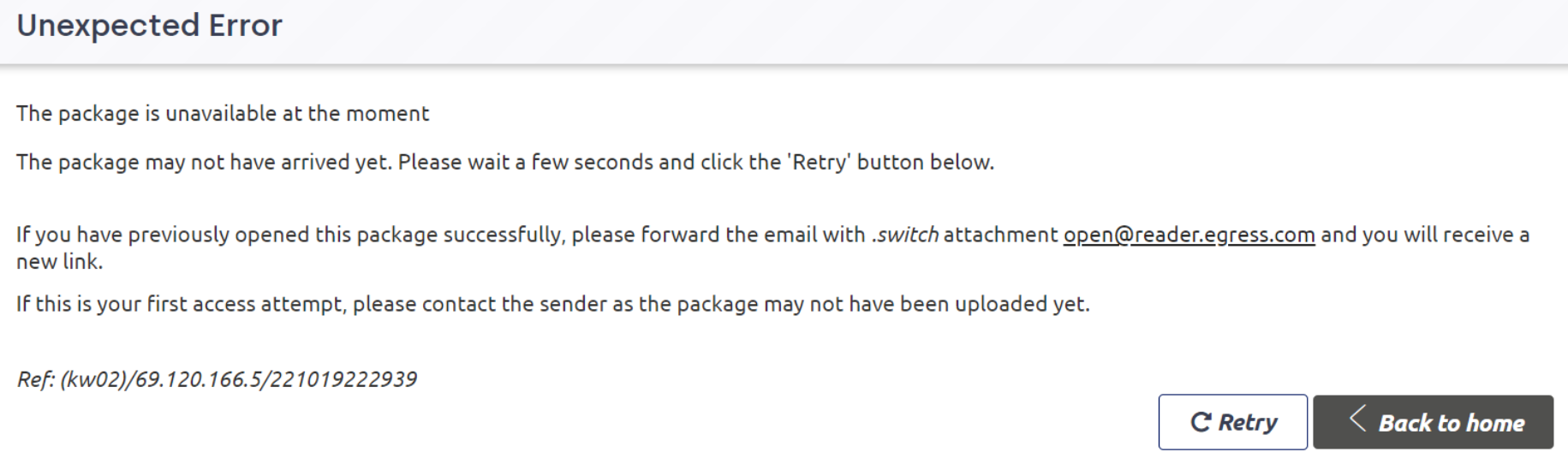
There are two possible causes for this error.
Opening an Older Email
If you open an old email, the link in the email will have been severed due to inactivity. If this is the case, please forward the email from your inbox to open@reader.egress.com to receive a new link. This action will send you an automated email containing a new link to access the email.
Opening a New Email
If the email is very recent, you will need to contact the sender, as it may not have been uploaded fully at their end, and they may need to resend the email. Sometimes, following the instructions above can also resolve this issue.