To create a secure email, follow the steps below:
-
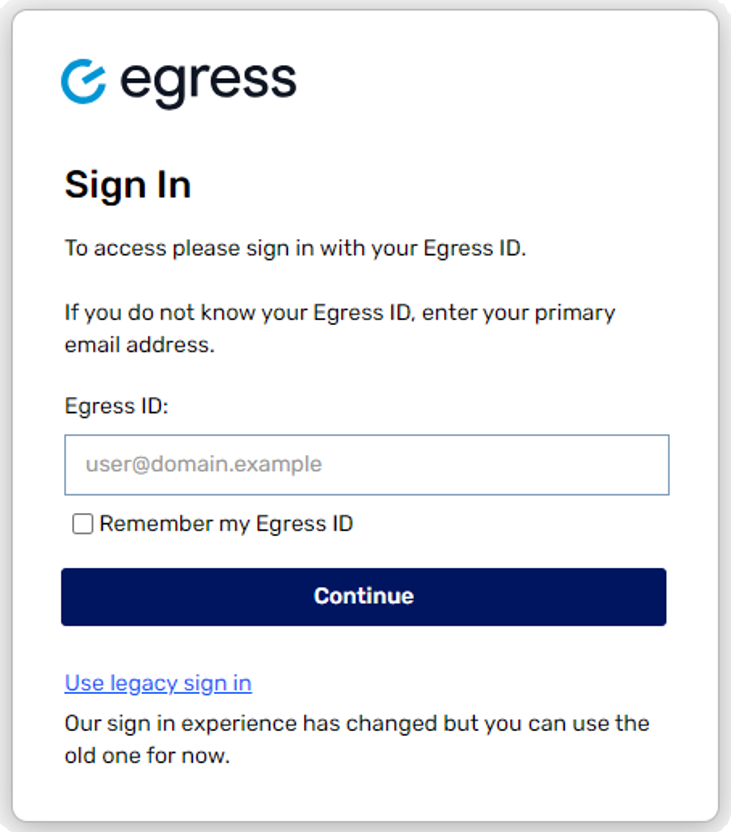
Log in to your administration panel.
- Select New Secure Email under Web Access from the menu on the left side of the screen.
- A new message window will open.
-
Compose your message, and when you are done, click Send Secure or click Save Draft if you want to save it for later.
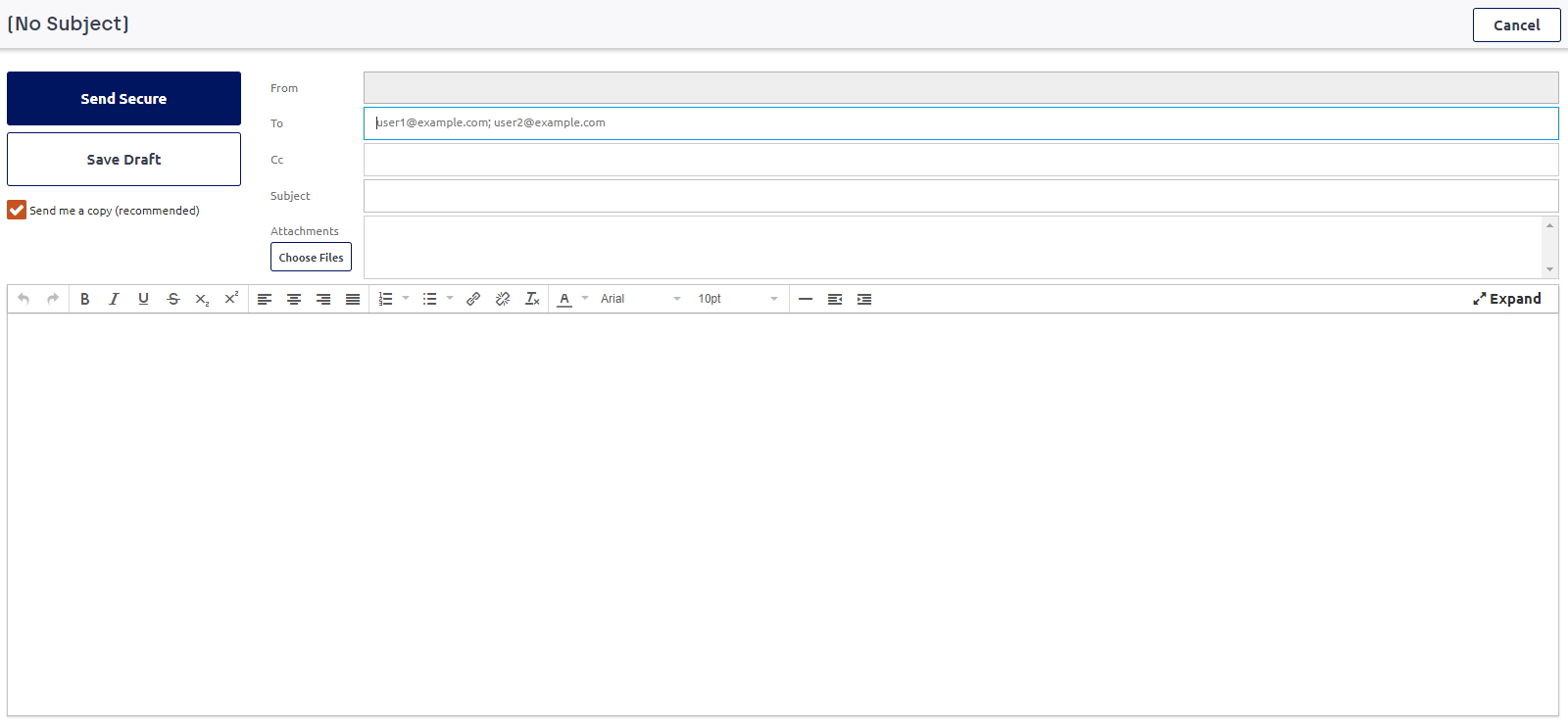
You have now sent a secure email. By default, a copy of the secure email will be sent to your email inbox for you to refer back to.