The Linguistic Analysis setting in Defend leverages Natural Language Processing (NLP) to analyze the emotion and intent behind every email, helping to detect unusual or suspicious behavior. This is an advanced feature that enhances email security by identifying potential threats that might not be caught by traditional methods.
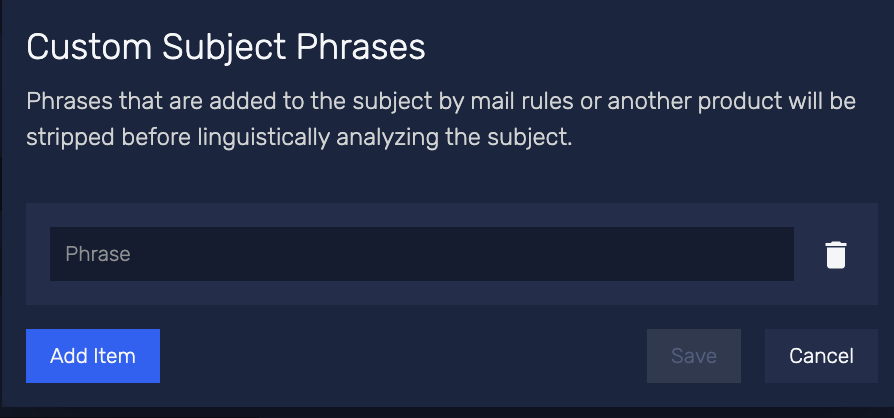
To maintain accuracy and avoid false positives, it's important to inform Defend about custom phrases that your organization may add to email subject lines. Common examples of these subject line additions include:
- [EXTERNAL]
- [CONFIDENTIAL]
- [SECURE]
- [INTERNAL ONLY]
To configure the list of custom subject line phrases, follow the steps below:
- Log in to the Defend console.
- Navigate to the Settings page.
- Locate the Linguistic Anlaysis section.
- Enter your custom subject line phrases in the Custom Subject Phrases text box.
- Select Save Changes.
Note: It is recommended that this setting is regularly reviewed to ensure it is accurate and up-to-date.