The purpose of this article is to walk you through navigating Security Journey modules.
Security Journey is a third-party training content publisher available on the KnowBe4 platform.
If a Security Journey module is assigned to you, it will be available in your list of assigned training.
To complete a Security Journey module, follow the steps below:
- Log in to your KnowBe4 console and click on the Training tab to see a list of your training options.
- After you click the Start button to begin a Security Journey module, a separate pop-up window will also appear. Keep this window open while completing the module.
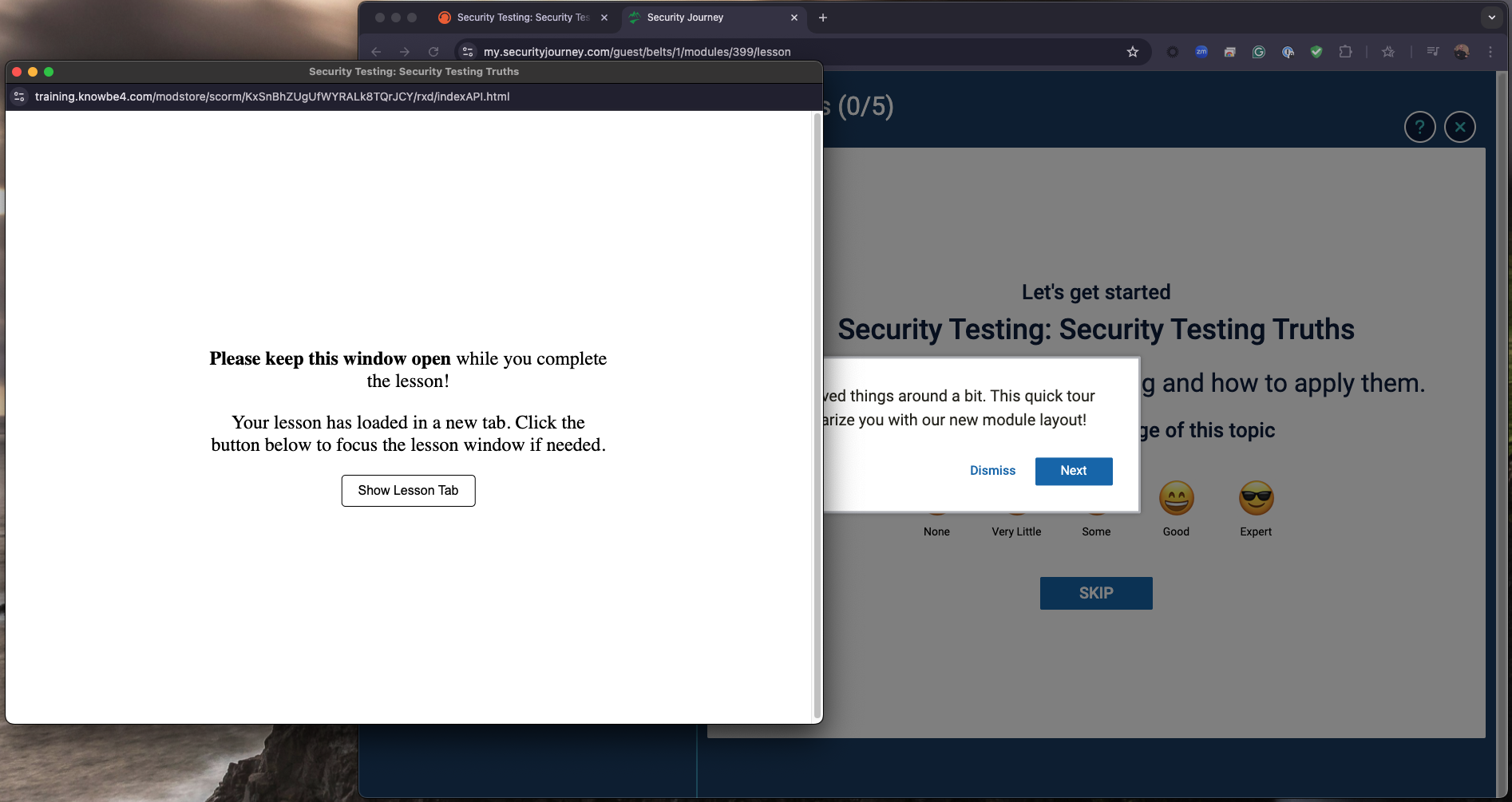
- Click the Show Lesson Tab button to switch to the window containing the module.
- Upon starting the module, you will be presented with a short tutorial that explains how to navigate the interface. This step is optional and can be skipped.
- Then, you have the option to rate your knowledge on the topic the module covers. This step is optional and can be skipped.
- The main video page will open.
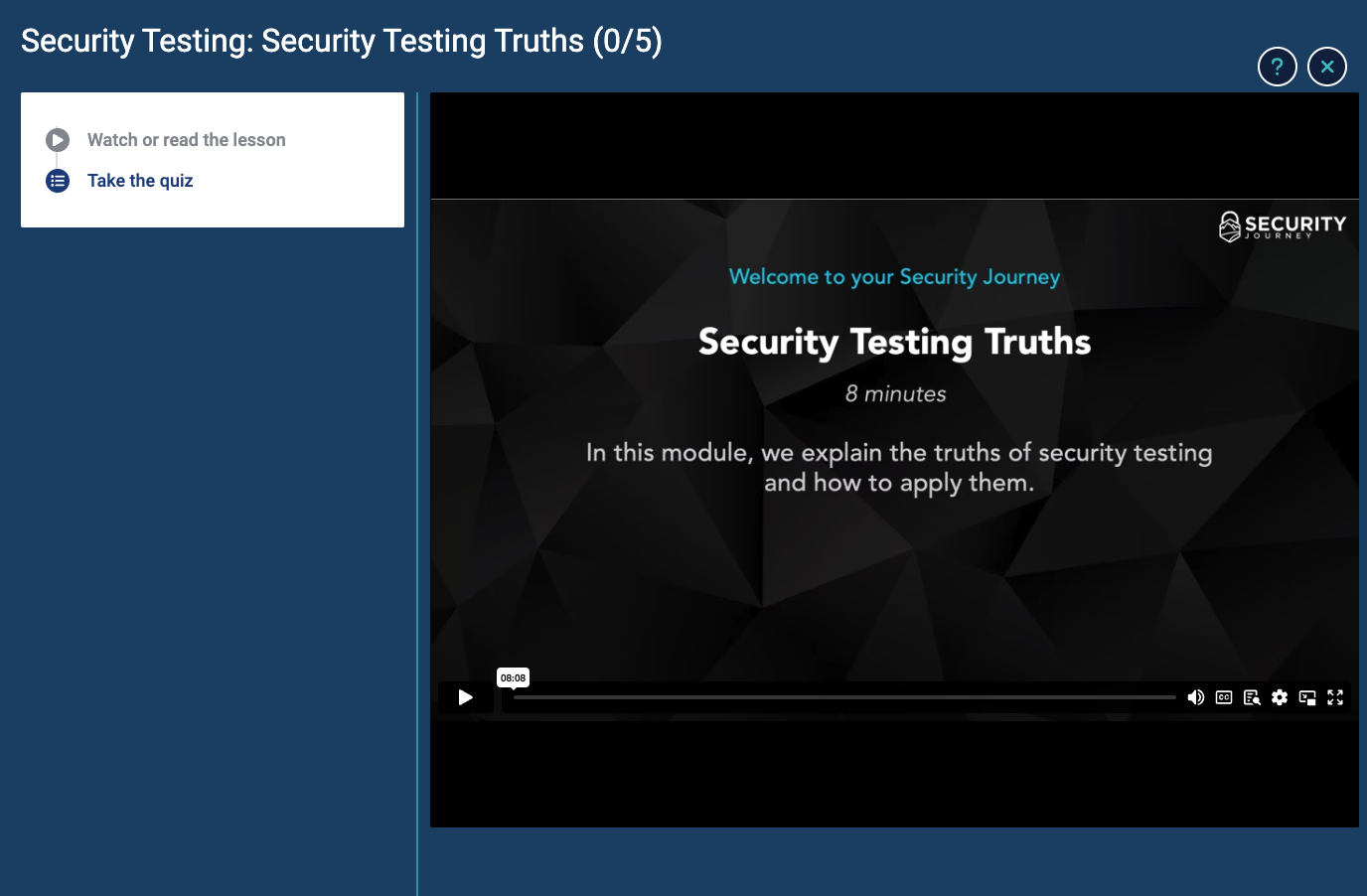
- See the table below for a list of navigation options:
Button Action 
Click the Play button to play the video. After the video starts playing, you can hover over this area to see the Pause button. 
Click the Volume button to adjust the volume levels. 
Click the CC/Subtitles button to display on-screen subtitles. 
Click the Transcript button to show the transcript next to the video. 
Click the Settings button to adjust the video quality and playback speed. 
Select the Picture-in-Picture button to open the video in a smaller window. 
Click the Fullscreen button to expand the video to fullscreen size. - After you view the video, click Take the quiz in the menu on the left.
- Upon successfully completing the quiz, click the Navigate Back to LMS button to complete the module and return to the learning console.