Users of Defend accessing emails on an iOS device may encounter an issue where the Defend banners will be displayed incorrectly, such as shown in the image below:
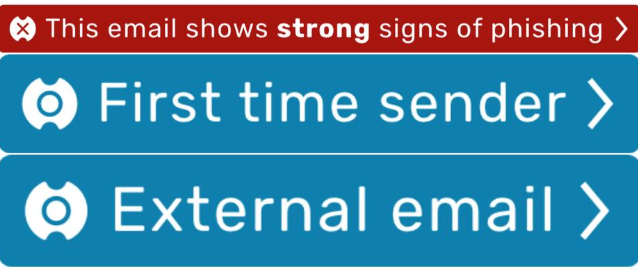
This error is caused by the iOS mail app not displaying the HTML part of an email. Instead, only the email's plain text will be displayed. Therefore, the inline images are treated as attachments and displayed at the bottom of the email. This error is a limitation of the iOS mail app.
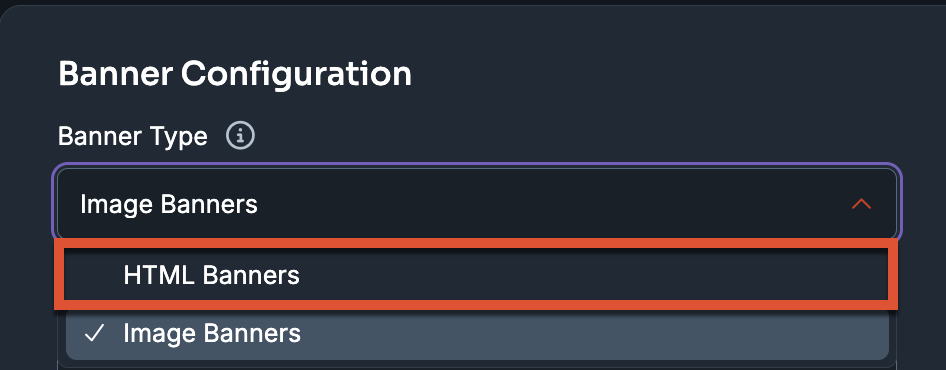
To counteract this error, we recommend enabling HTML banners on the Settings page in the Defend console by following the steps below:
- Log in to your Defend console.
- Navigate to Settings > Banner Configuration.
-
Use the Banner Type drop-down menu to select HTML Banners.
- Select Save Changes at the top of the page.