Banners are a core part of Defend's functionality. Contextual color-coded HTML warning banners are added to inbound emails, immediately alerting users to the email's risk level. In this mode, links are typically rewritten to provide time-of-click protection. Banners provide real-time teachable moments for your users, explaining aspects of an email that indicate a threat and augmenting your security awareness and training.
Before enabling Defend banners:
- Ensure all users are part of the "Defend_Users" group within Microsoft Exchange.
- Communicate changes to users before enabling banners to allow your users to understand the upcoming changes they will see. Internal communications or an overview of the banners can be provided to end-users.
Enabling Defend banners requires you to disable silent mode in the Defend console. To enable the banner, follow the steps below:
- Navigate to Settings > Banner Configuration.
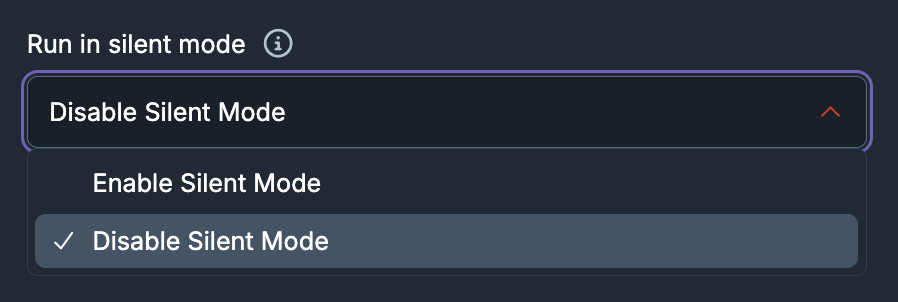
- Use the Run in silent mode drop-down menu to select Disable Silent Mode.
- Select Save at the top of the page.