Student Edition is a ModStore add-on option for current KnowBe4 customers. Student Edition content gives your students the tools they need to help mitigate security risks at their organization.
Creating User Groups for Student Training
For the best results, we recommend creating a user group that only includes students. Make sure to name it something easy to find, such as “Students Only.” For more detailed instructions, see our Create a Group article. If you have a Platinum or higher subscription, you can also automate this process using Smart Groups. For more information on Smart Groups, see the Smart Groups Overview article.
Creating a Security Role for Students
We recommend creating a specific, dedicated security role for managing students. For more information on security roles, see our Security Roles Guide article.
Follow the steps below to create a Security Role:
- Log in to your KnowBe4 console and navigate to the Users tab.
- Click on the Security Roles subtab.
- In the top-right corner of the page, click the +New Security Role button.
- Enter a descriptive name for the Security Role, such as “Student Management”
- Select the student group you created in the above section from the Groups drop-down menu.

- Click on the Training subtab and edit the training permissions of this Security Role.
- Keep all the Training permissions set to No Access.
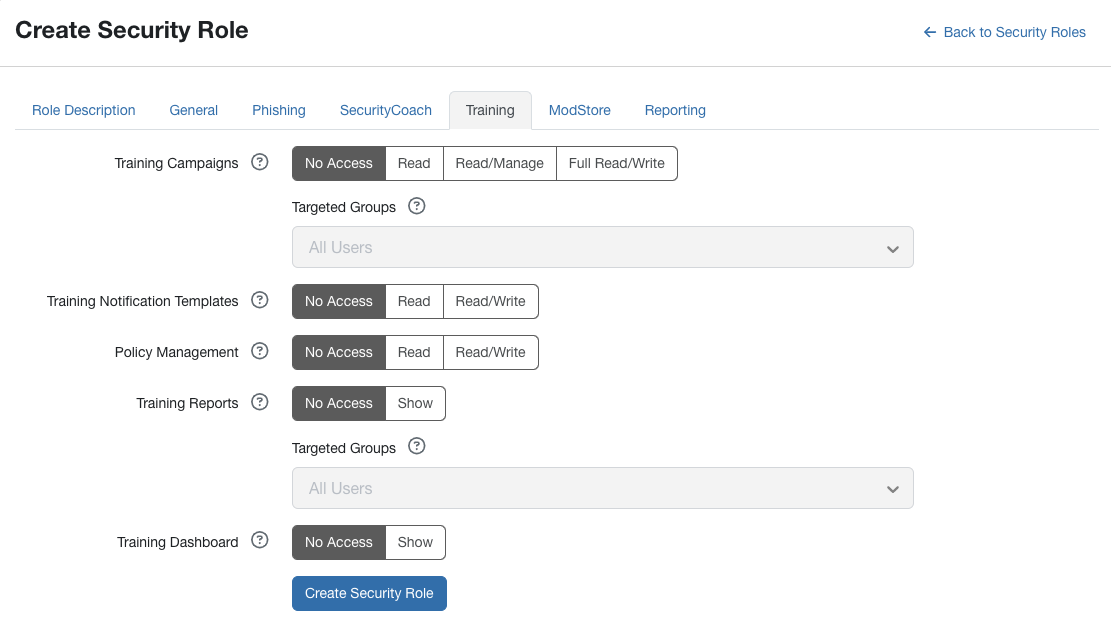
- Keep all the Training permissions set to No Access.
- Click on the ModStore subtab to edit the ModStore permissions for this Security Role.
- Keep all the ModStore permissions to No Access.
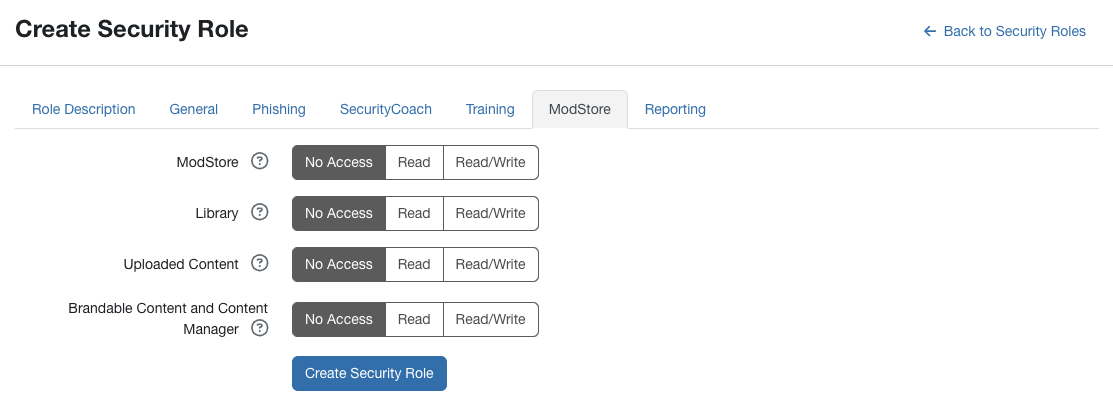
- Keep all the ModStore permissions to No Access.
- When you are satisfied with your settings, click the Create Security Role button.